
News
TickTick on Android: tasks, habits and Pomodoro in one app
Updated
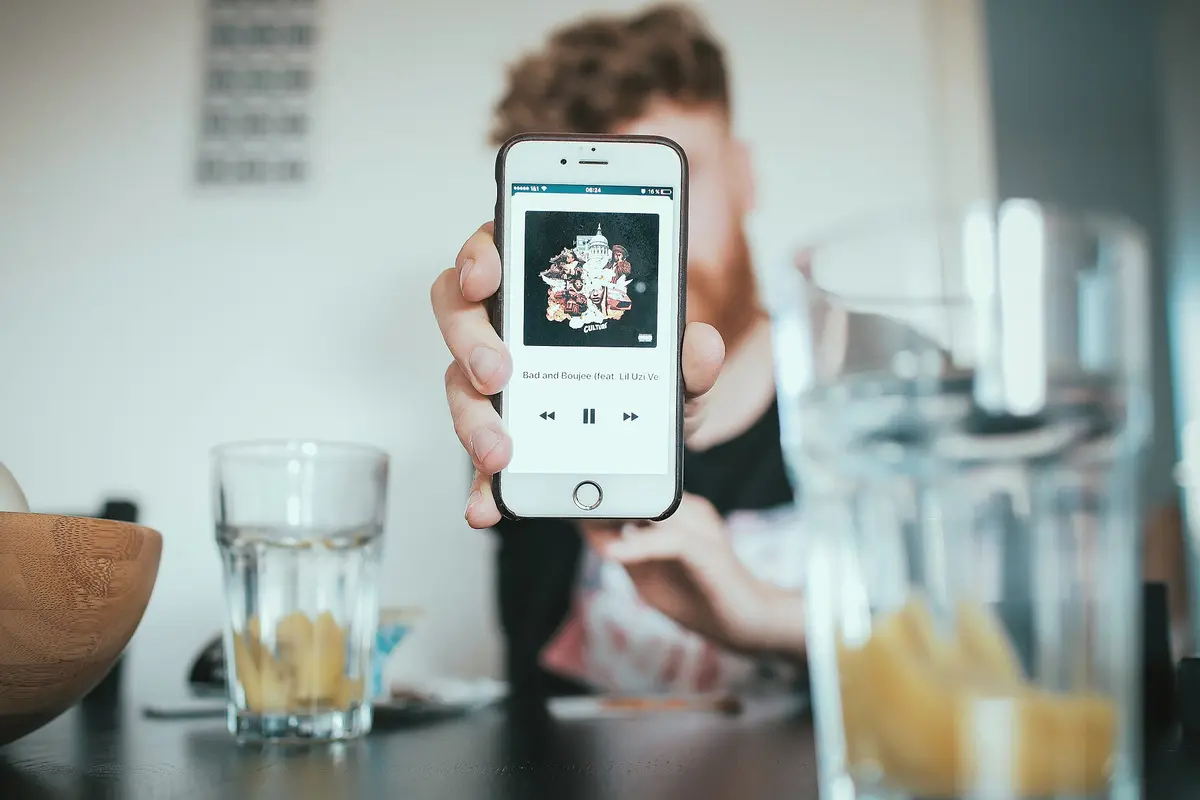
Why desktop-first apps fell short on the phone
Parth Shah, writing for Android Police, says he spent years looking for one system to capture tasks, manage his schedule and track habits on Android. He tried all-in-one tools such as Notion, Anytype and Capacities on his Pixel 8. He describes those platforms as strong on desktop but slow and cumbersome on mobile, and says they felt like a wrapper around a web page.
What he wanted was something built for a 6-inch screen. He says the knowledge apps lacked seamless widgets, notification bar widgets and the responsiveness he expected from a native Android app. After switching to TickTick, he writes that speed and consistency beat complexity for his workflow.
The products in this article
From our ranking: Note-taking and organisation apps (2026)
Tasks you can create from the notification bar
Shah describes TickTick's interface as clean, fast and intuitive. He says it gives him the depth he needs through tags, lists and filters, without the visual noise of database views and nested pages.
As a dedicated task app, he says the reminders are reliable: he trusts that critical alarms will actually fire. He adds that he never had that confidence when relying on a note-taking app like Evernote to alert him. TickTick also offers mobile widgets and quick toggles, so he can create tasks from the notification bar.
Pomodoro, stats and habit streaks
Shah says TickTick works as a full productivity suite in a mobile app. He counts it as a replacement for three or four paid apps. Every task has a Pomodoro timer built in, and a Stats section breaks down his focus time by day, week or project.
The habit tracker, he writes, saved him from subscribing to another third-party app. He sets simple actions like reading 20 minutes, taking medicine or drinking eight glasses of water, and tracks his streaks next to his to-do list.
Kanban boards and a calendar in the same view
For complex projects with team members, Shah says he uses Kanban boards to track progress. He calls it a lighter version of project management tools like Trello, and says that is more than enough for him.
He also integrates his Gmail calendar, so he can glance at a busy schedule from the same interface. When a day brings dozens of tasks, he says he relies on the Eisenhower matrix to sort them.
Who it suits, and what to check first
The account fits anyone who manages tasks, a calendar and habits on an Android phone and finds desktop-first knowledge tools heavy on a small screen. Shah's examples are everyday ones: reminders that fire, habits tracked as streaks, focus sessions timed per task.
He writes from his own use on a Pixel 8, so treat the speed and reliability claims as his experience, not a measured benchmark.
Related coverage
News
- iPhone Duo apps: 200,000 optimized, double in 10 days
- Google Play gift card: $100 credit for $92 on Newegg
- RadioShake on Android Auto: genre radio stations, podcasts, and fewer choices behind the wheel
- Gemini on CarPlay: what you need to use it hands-free
- Adobe Max 2026: new removal tools across Premiere, Photoshop and Lightroom
- Android Auto: PlugShare, Fuelio and SpotHero for charging, fuel and parking
- Update Android apps yourself: Shizuku plus Obtainium, no Play Store
- TikTok Shop app: features and countries
- Palantir's blowout quarter: $2.31B revenue, but short-term deals
- X app icons: over a dozen new options for iPhone and iPad
- Snapgate: decide photo by photo what ends up in Google Photos
Source: Android Police · Android & apps
Video

What changed
- Page updated

Sir Compare’s letter
Updates on Apps & software? I’ll send them your way.
Pick what you care about: I only write when something new comes out — a guide, a news story, a verified price that drops.
Step 1 of 2
What are you into?
Pick as many as you like. Pick none and you get what’s new in every section.
- Only what you pick
- Never an empty email
- One click to leave