
News
Gemini on CarPlay: what you need to use it hands-free
Updated

Gemini now opens from the CarPlay screen
Google has put the Gemini app directly on Apple CarPlay. Engadget reported on Nov. 11, 2026 that it was available starting that day for all supported Gemini Live languages. Before this, the assistant was reachable on CarPlay only through the Google Maps app. Now you tap the Gemini icon on your car display to open it.
You can resume a conversation you started earlier or begin a new one from the car. Chats stay in your history and sync with the Gemini iPhone app, so the thread carries over between phone and dashboard.
Compare before you choose
From our ranking: Best Flagship Smartphones (2026)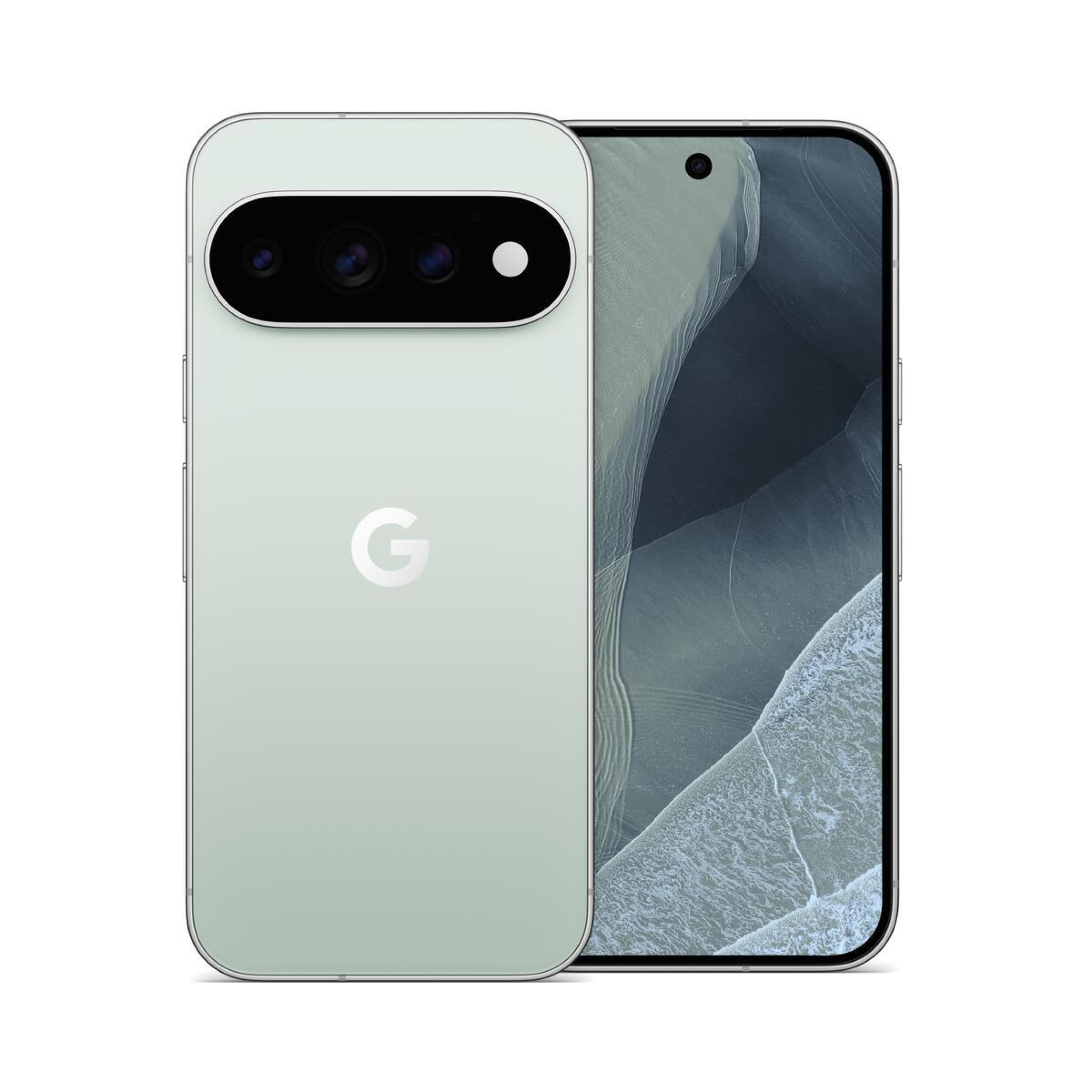
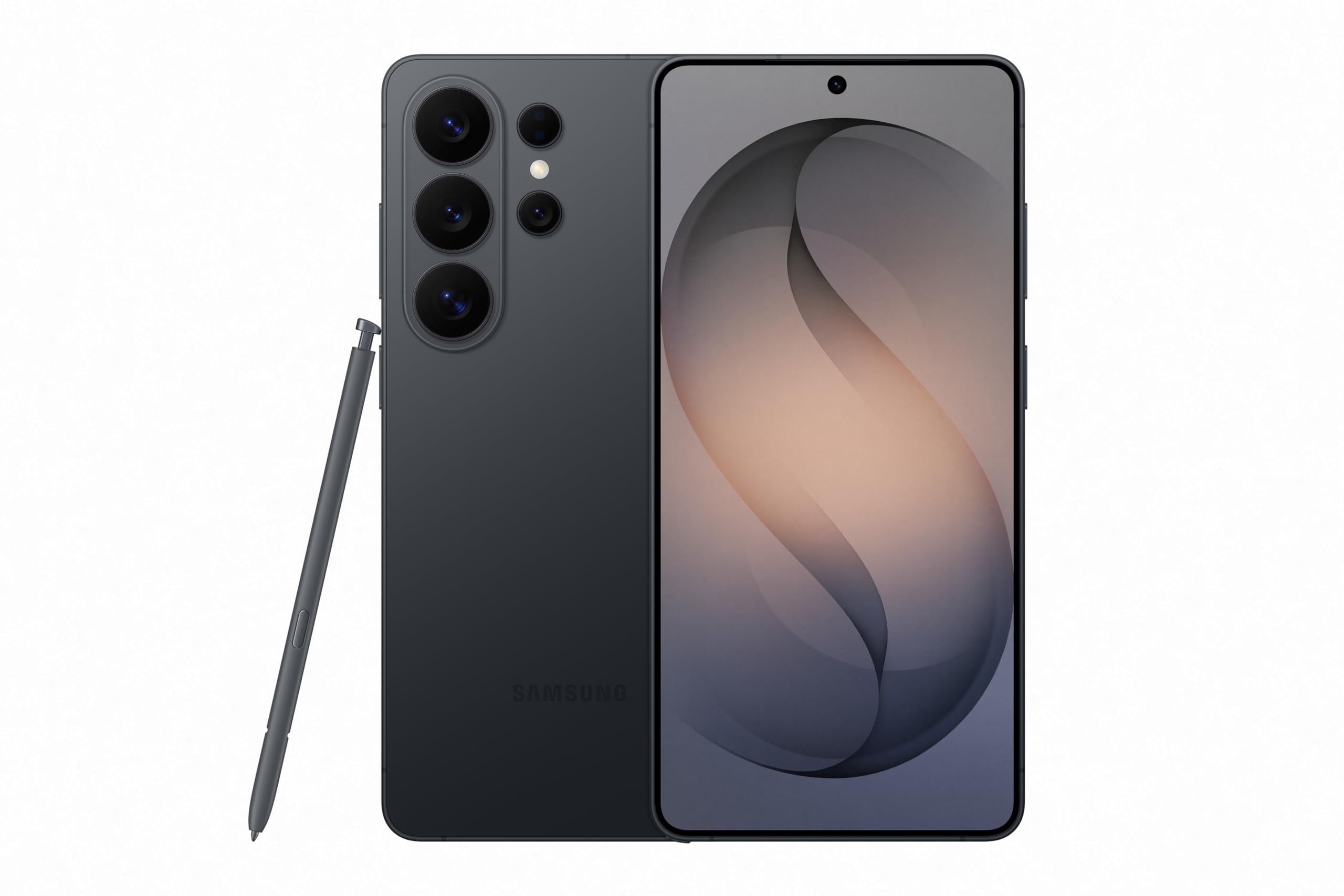
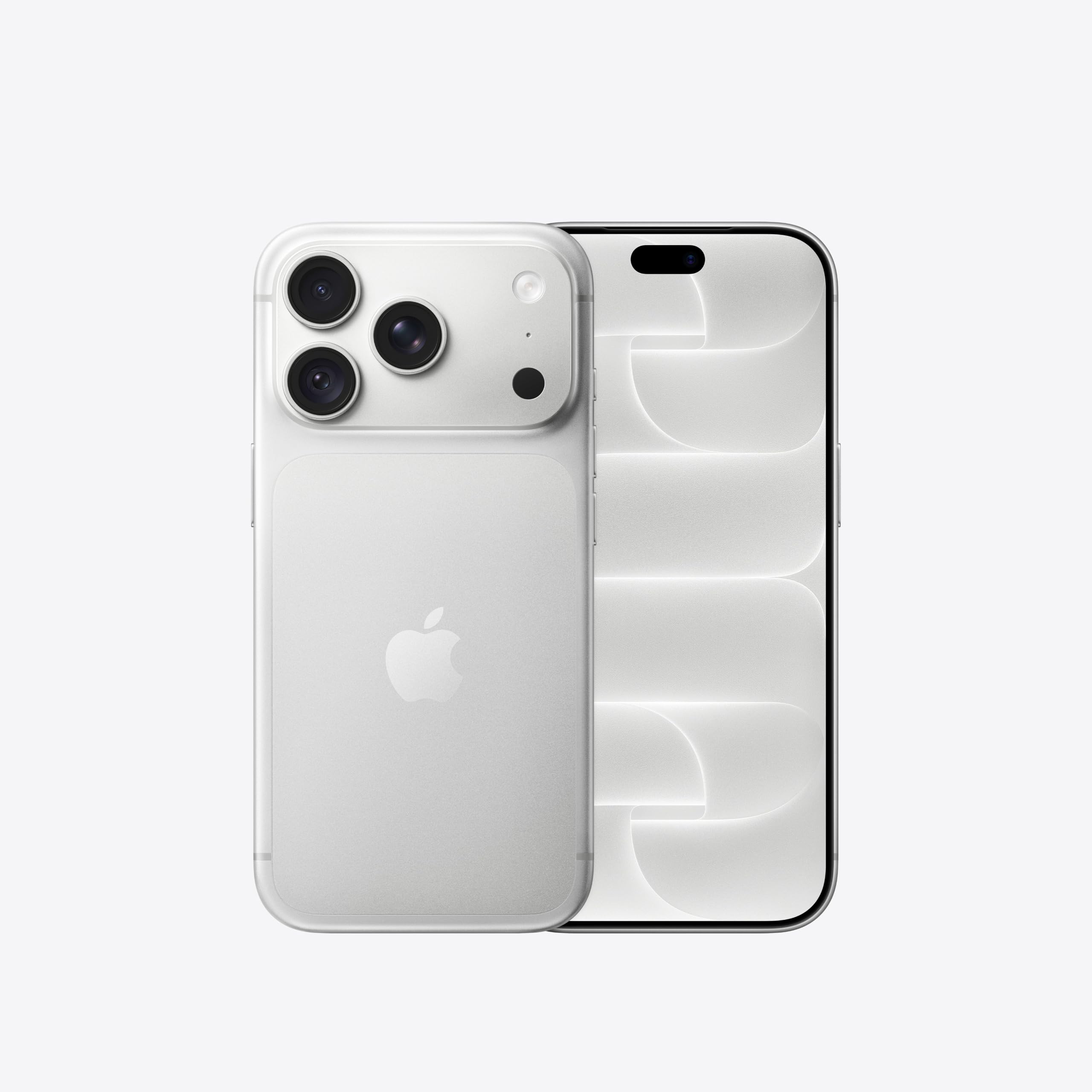
Affiliate links: we may earn a commission from qualifying purchases, with no effect on the price or the order of products.
What you can ask it on the road
Google lists a few uses for the drive: getting ready for a meeting during your commute, going through emails, hearing your Daily Brief, or asking for local places to check out in the area. The conversations run through Gemini Live, hands-free, from the car's display.
These are examples Google gives, not features tested in a car.
Setup: three things to check first
To get it working, you need the latest version of the Gemini app on your iPhone and microphone permissions turned on. You also have to have used Gemini Live at least once on the phone before it shows up in the car.
Separately, Google says Personal Assistance is now enabled in Gemini on Android Auto, and Personal Intelligence is coming to Gemini in cars with Google built-in. If you want to try it, update the app on your iPhone and look for the Gemini icon on your CarPlay display.
Related coverage
News
- iPhone Duo apps: 200,000 optimized, double in 10 days
- Google Play gift card: $100 credit for $92 on Newegg
- RadioShake on Android Auto: genre radio stations, podcasts, and fewer choices behind the wheel
- Adobe Max 2026: new removal tools across Premiere, Photoshop and Lightroom
- Android Auto: PlugShare, Fuelio and SpotHero for charging, fuel and parking
- TickTick on Android: tasks, habits and Pomodoro in one app
- Update Android apps yourself: Shizuku plus Obtainium, no Play Store
- TikTok Shop app: features and countries
- Palantir's blowout quarter: $2.31B revenue, but short-term deals
- X app icons: over a dozen new options for iPhone and iPad
- Snapgate: decide photo by photo what ends up in Google Photos
Source: Engadget · Tech e gadget (US)
Video

What changed
- Page updated

Sir Compare’s letter
Updates on Apps & software? I’ll send them your way.
Pick what you care about: I only write when something new comes out — a guide, a news story, a verified price that drops.
Step 1 of 2
What are you into?
Pick as many as you like. Pick none and you get what’s new in every section.
- Only what you pick
- Never an empty email
- One click to leave