
News
Signal blocks screenshots on iOS and Android to stop AI agents
Updated
What Signal changed on iOS and Android
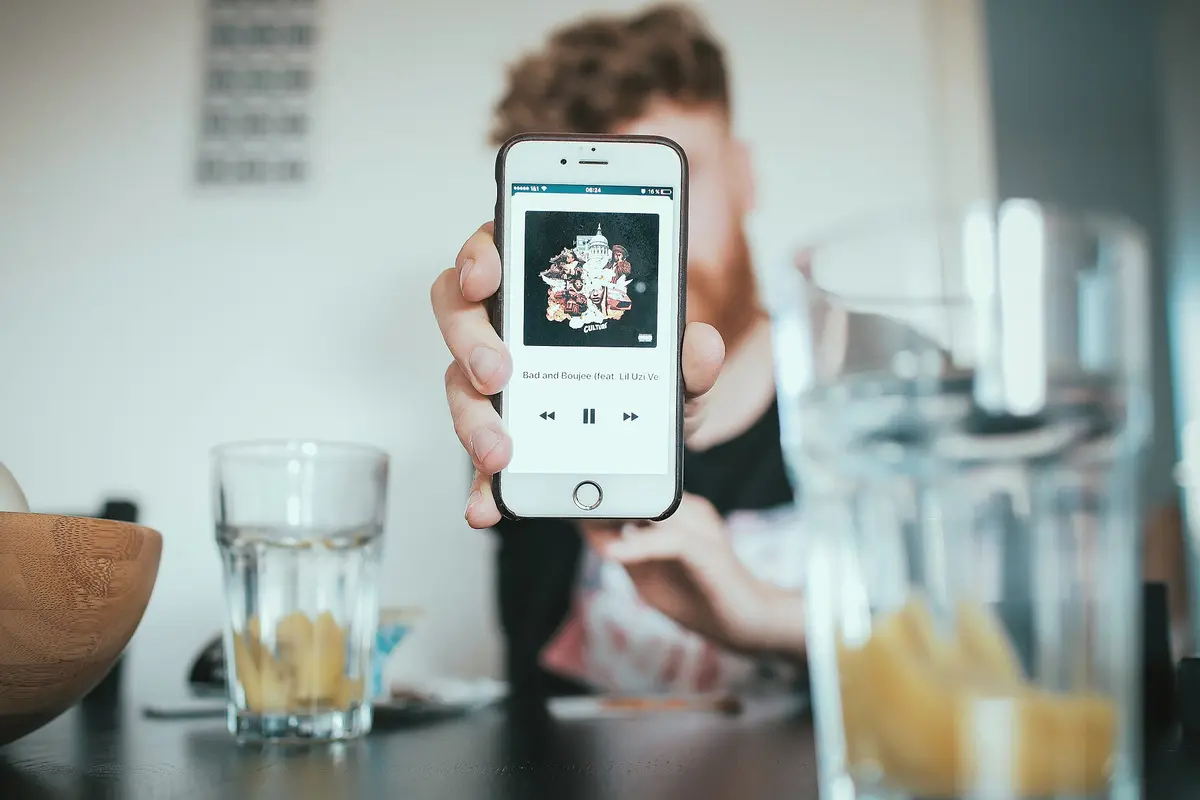
Signal has started restricting screenshots inside its app on Android and iOS 27. The goal is to stop AI agents built into operating systems from reading your messages and other data on screen. According to The Verge · AI, users on iOS will see an option to toggle blocking screenshots and prevent Siri AI from scanning on-screen content. The same setting appears in Signal's app security settings on Android. The change targets assistants like Siri, Gemini and other Android AI tools that analyze what's visible on the display. Signal frames the move as a way to keep its privacy promise intact while those assistants operate on the same device.
Compare before you choose
From our ranking: Best Flagship Smartphones (2026)
Affiliate links: we may earn a commission from qualifying purchases, with no effect on the price or the order of products.
You can turn screenshots back on, with a warning
The block isn't permanent. You can restore screenshot capabilities in Signal's app settings. Signal president Meredith Whittaker warns that doing so will potentially expose your content and your contacts' Signal content to these AI agents. She also says it breaks the app's privacy guarantees. So the choice sits with you: keep screenshots working and accept the risk, or leave the block on and lose the ability to capture what's on screen. The setting is presented as a toggle, not a hidden restriction, at least on iOS.
The fix is incomplete, and macOS is left out
Whittaker calls the screenshot block "incomplete." It doesn't cover other routes AI agents use to reach app data, such as pulling it through the device file system. Signal also says it can't yet implement these protections on macOS. The company points to a lack of information about how AI agents actually access application data. It is asking Apple, Google and Microsoft for simple technical tools and accurate documentation for developers. Signal made a similar move last year against Microsoft's Recall feature, to stop it from capturing secured chats.
What Signal wants from Apple, Google and Microsoft
Signal says developers lack robust tools to stop AI agents from undermining privacy at the app level. Whittaker argues that even where apps can detect and block AI data access, the platform owners don't offer easy ways to restrict it without big compromises to the user experience. Signal also flags third-party agents, like Meta's Muse, that use deep accessibility settings as a kind of skeleton key into app data. The company is calling for common-sense remedies before AI agents are woven deeper into operating systems.
What to check on your phone
If you use Signal on Android or iOS 27, open the app's security settings and look for the screenshot option. Leaving it on keeps Siri, Gemini and other assistants from reading on-screen content through screenshots. Turning it off brings screenshots back but, per Signal, exposes your chats to those agents. On macOS, the protection isn't available yet. Signal describes itself as the canary in the coal mine for this issue, saying it affects the whole app ecosystem.
Related coverage
News
- Signal on iPhone: screenshots off by default, here's the toggle
- WhatsApp backups without iCloud: 2GB free, 100GB with Plus
- iPhone Duo apps: 200,000 optimized, double in 10 days
- Google Play gift card: $100 credit for $92 on Newegg
- RadioShake on Android Auto: genre radio stations, podcasts, and fewer choices behind the wheel
- Gemini on CarPlay: what you need to use it hands-free
- Adobe Max 2026: new removal tools across Premiere, Photoshop and Lightroom
- Android Auto: PlugShare, Fuelio and SpotHero for charging, fuel and parking
- TickTick on Android: tasks, habits and Pomodoro in one app
- Update Android apps yourself: Shizuku plus Obtainium, no Play Store
- TikTok Shop app: features and countries
Source: The Verge · AI
Video

What changed
- Page updated

Sir Compare’s letter
Updates on Apps & software? I’ll send them your way.
Pick what you care about: I only write when something new comes out — a guide, a news story, a verified price that drops.
Step 1 of 2
What are you into?
Pick as many as you like. Pick none and you get what’s new in every section.
- Only what you pick
- Never an empty email
- One click to leave