
News
Android Auto: PlugShare, Fuelio and SpotHero for charging, fuel and parking
Updated

Why extra apps are needed
Akshay Bhalla writes on Android Police that he uses Google Maps and Waze every day for his commute. He says the two apps have saved him countless hours in traffic and help him discover new places when traveling. In his view, however, no navigation app can do everything, which is why he keeps three other applications installed. He considers them as essential as navigation apps and says they should be on everyone's phone.
Compare before you choose
From our ranking: Best Flagship Smartphones (2026)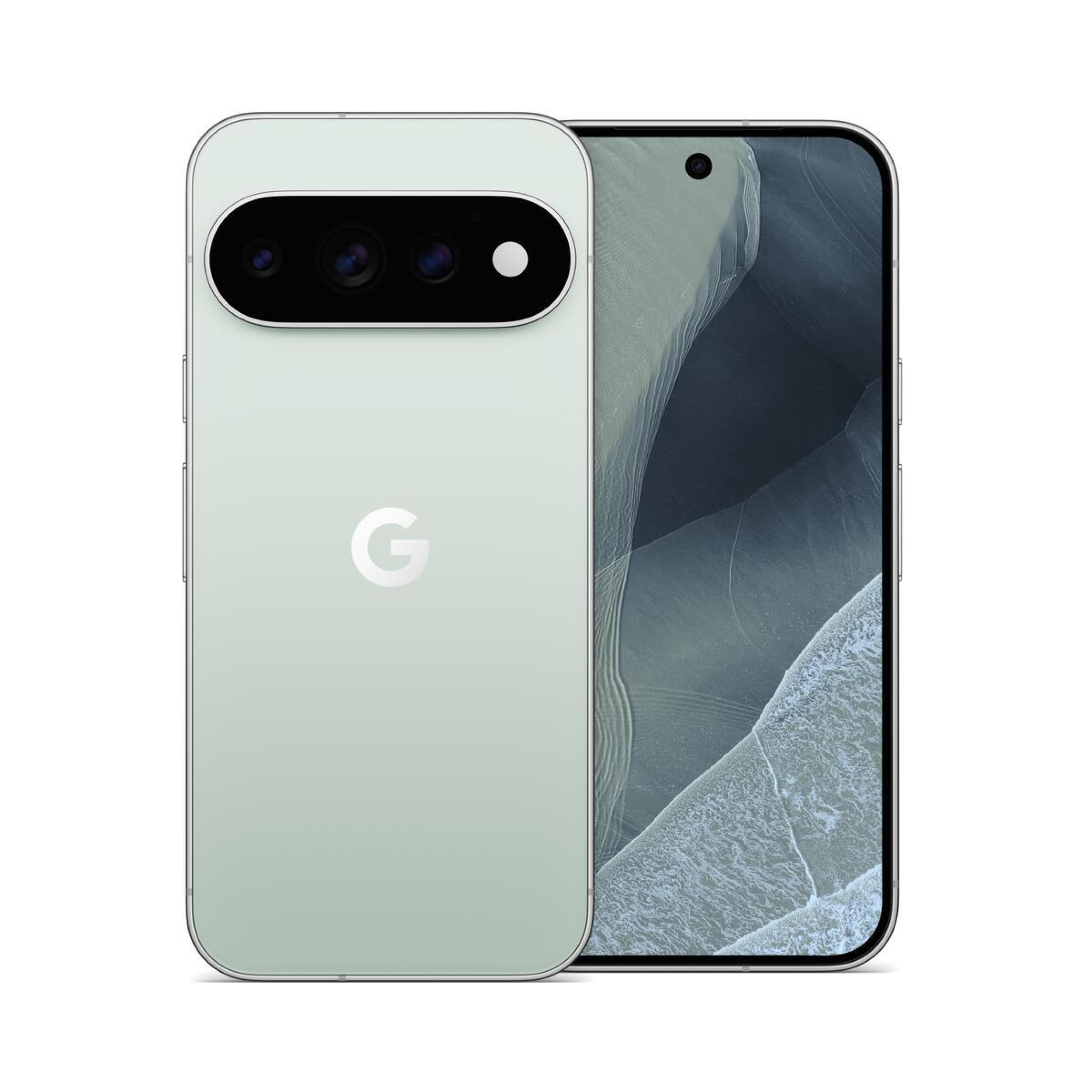
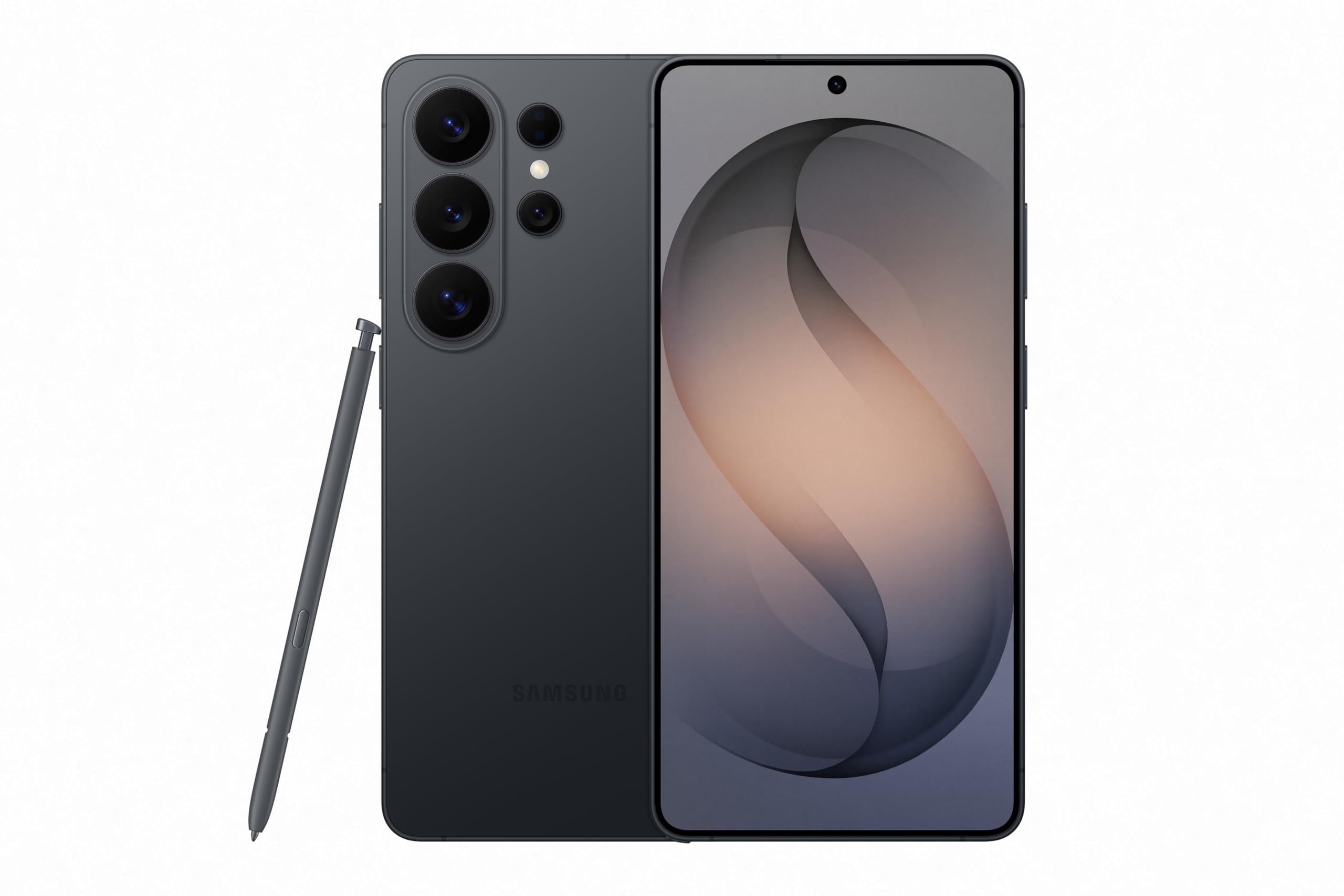

Affiliate links: we may earn a commission from qualifying purchases, with no effect on the price or the order of products.
PlugShare: chargers found by the community
For those who drive an electric vehicle, Bhalla points to PlugShare. Google Maps and Waze let users enter car model, plug type and speed preferences, but according to him they remain basic at finding charging stations. PlugShare relies on community-sourced information, like Waze, and the community is very active in keeping charger data up to date.
The app shows connector type, charging speed, recent photos, wait times and nearby amenities such as eateries and restrooms. The connector types cited are CCS, NACS, CHAdeMO and J1772. It helps to enter model, year, plug type and supported speeds, then filter for fast charging and amenities. Navigation to a charger can be started with a single tap. According to Bhalla, use is free; the subscription, he writes, is affordable and removes unobtrusive ads.
Fuelio: fill-ups, consumption and nearby prices
With fuel prices high, saving money makes a difference. Bhalla notes that Maps and Waze show nearby gas stations, but neither does a great job with real-time prices. Waze has crowd-sourced prices, but they are not updated frequently and can differ when you arrive at the station.
Fuelio works with community data: it shows prices at nearby stations and lets users log fill-ups directly from the Android Auto screen. The same price information is shared with other users, while the app tracks consumption and spending. All of this is in the free version; the Pro subscription adds charts, reminders and weather alerts. EV drivers can also record costs in kWh.
SpotHero: parking booked in advance
The third app is SpotHero, which Bhalla uses to reserve a parking spot in advance and save time. It is the app the author links to organizing where to park, distinct from the two dedicated to charging and fuel.
What to do now
If you drive an electric vehicle, the first step is to install PlugShare and fill in your car's details: model, year, plug type and supported charging speeds. Information on connector and speed can be found in the manual or on the labels near the charging port. Then search for chargers using the filters for fast charging and amenities.
If you have a gasoline or diesel car, start with Fuelio and log fill-ups: charts and reminders are in the Pro version. For parking, SpotHero is used before setting off. The apps are downloaded from your platform's store; PlugShare and Fuelio have a free version, and Fuelio's extra features require the subscription.
Related coverage
News
- iPhone Duo apps: 200,000 optimized, double in 10 days
- Google Play gift card: $100 credit for $92 on Newegg
- RadioShake on Android Auto: genre radio stations, podcasts, and fewer choices behind the wheel
- Gemini on CarPlay: what you need to use it hands-free
- Adobe Max 2026: new removal tools across Premiere, Photoshop and Lightroom
- TickTick on Android: tasks, habits and Pomodoro in one app
- Update Android apps yourself: Shizuku plus Obtainium, no Play Store
- TikTok Shop app: features and countries
- Palantir's blowout quarter: $2.31B revenue, but short-term deals
- X app icons: over a dozen new options for iPhone and iPad
- Snapgate: decide photo by photo what ends up in Google Photos
Source: Android Police · Android & apps
Video

What changed
- Page updated

Sir Compare’s letter
Updates on Apps & software? I’ll send them your way.
Pick what you care about: I only write when something new comes out — a guide, a news story, a verified price that drops.
Step 1 of 2
What are you into?
Pick as many as you like. Pick none and you get what’s new in every section.
- Only what you pick
- Never an empty email
- One click to leave