Guide
Photo editing apps: devices, free plans and prices
Updated
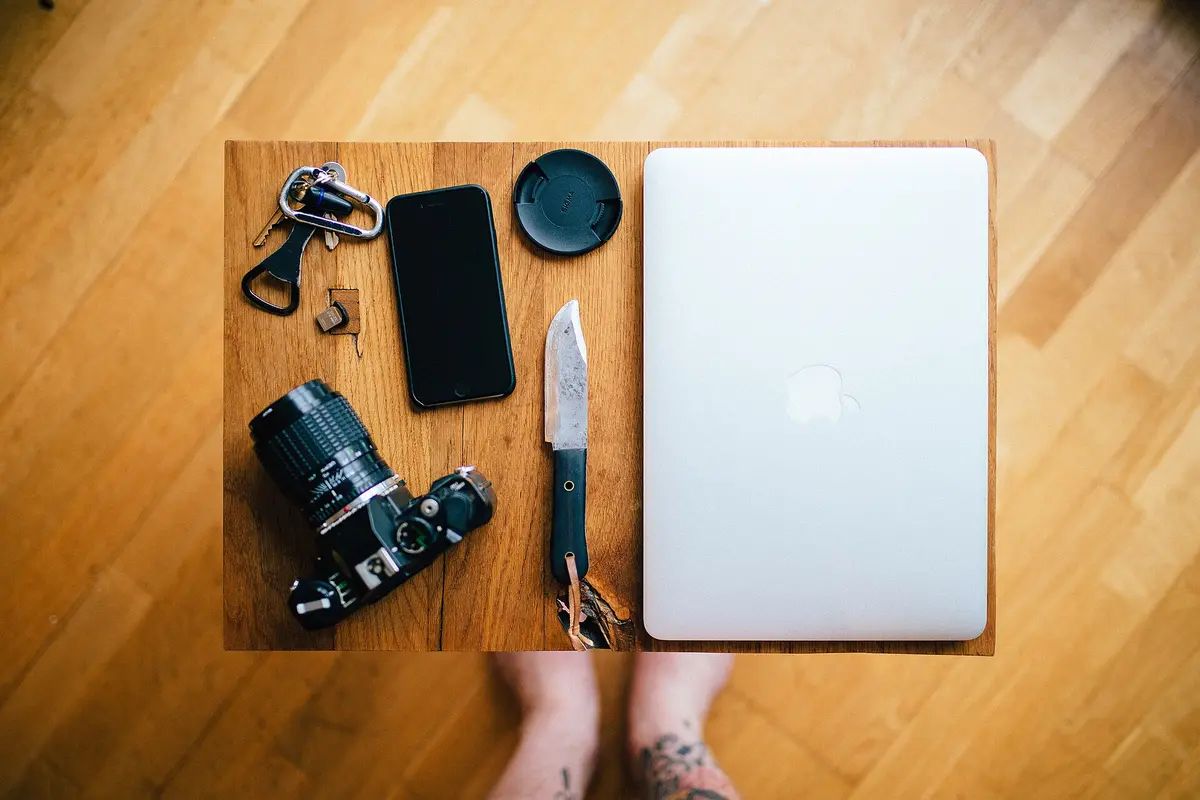
Explore Photo editing apps
Start with rankings to shortlist products, use product pages to inspect specifications, and follow tutorials for instructions.
6 active catalog products
Photo editing apps: which devices, what's free, what you pay
Start from the device you actually edit on, then check that your platforms appear in the app's entry. This page puts the makers' own declarations next to the links to their sources. If a platform is missing, it doesn't mean the app can't run there. It means I have no verified declaration to show you. I haven't scored features and I haven't run hands-on tests.
Compare before you choose
From our ranking: Best Flagship Smartphones (2026)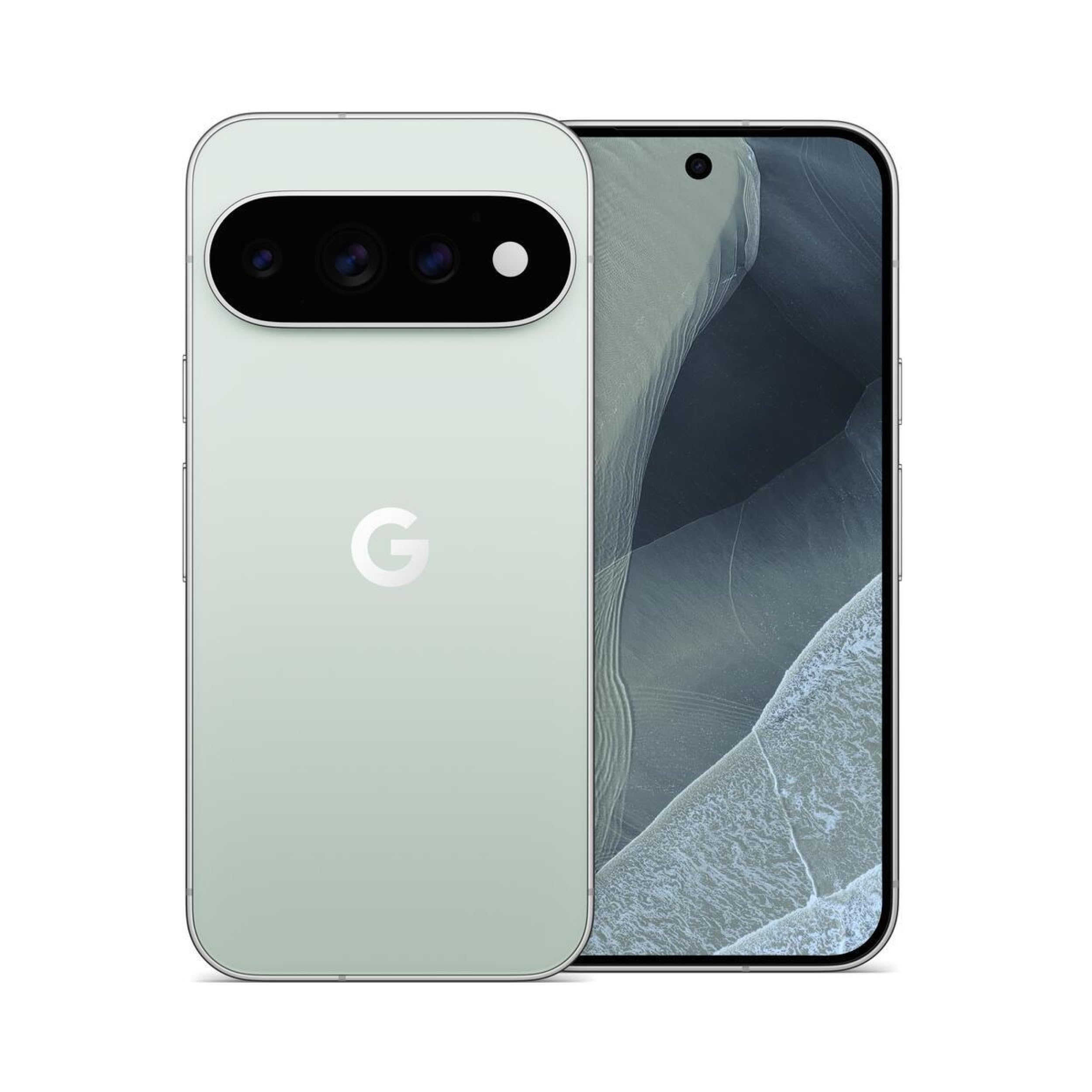
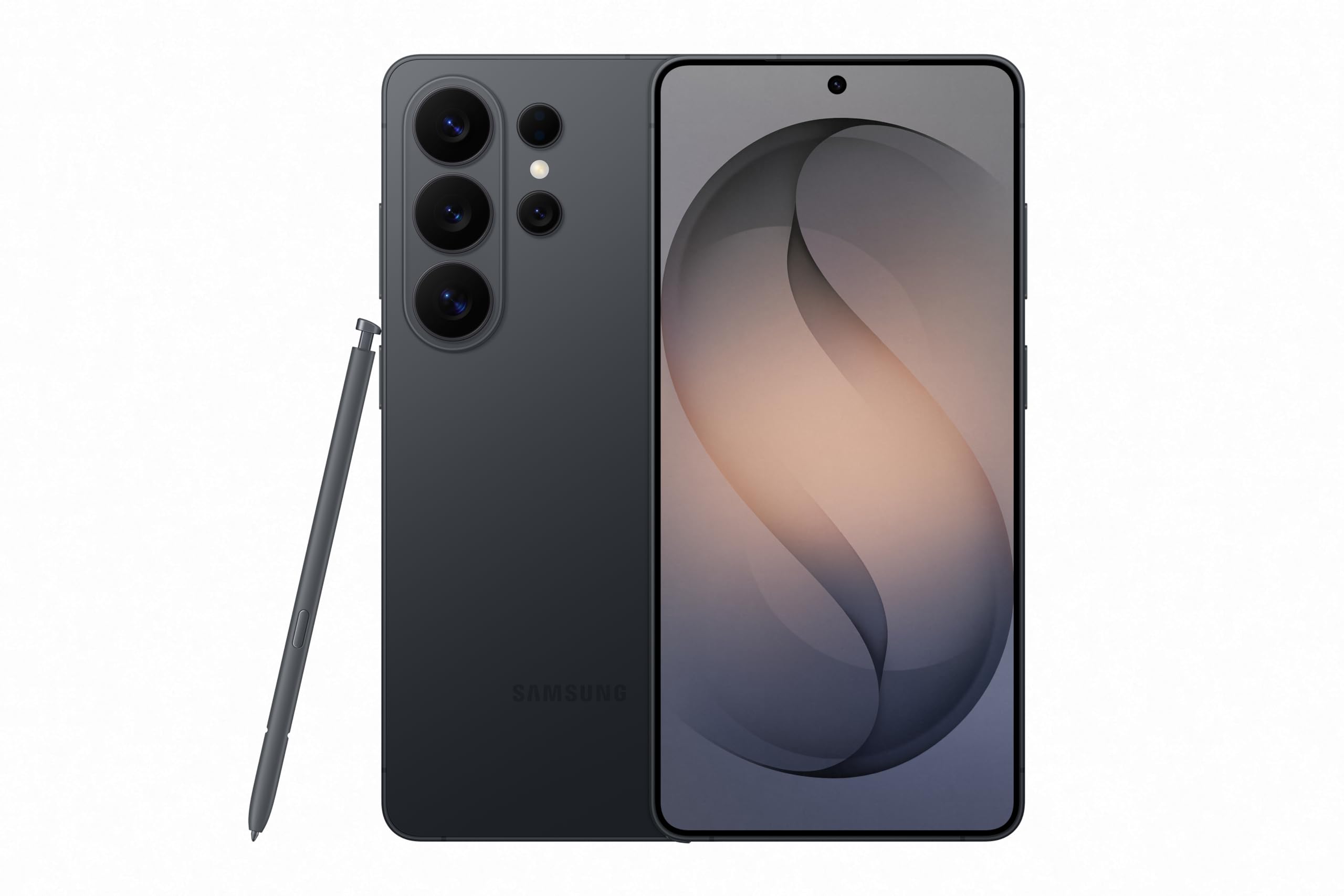
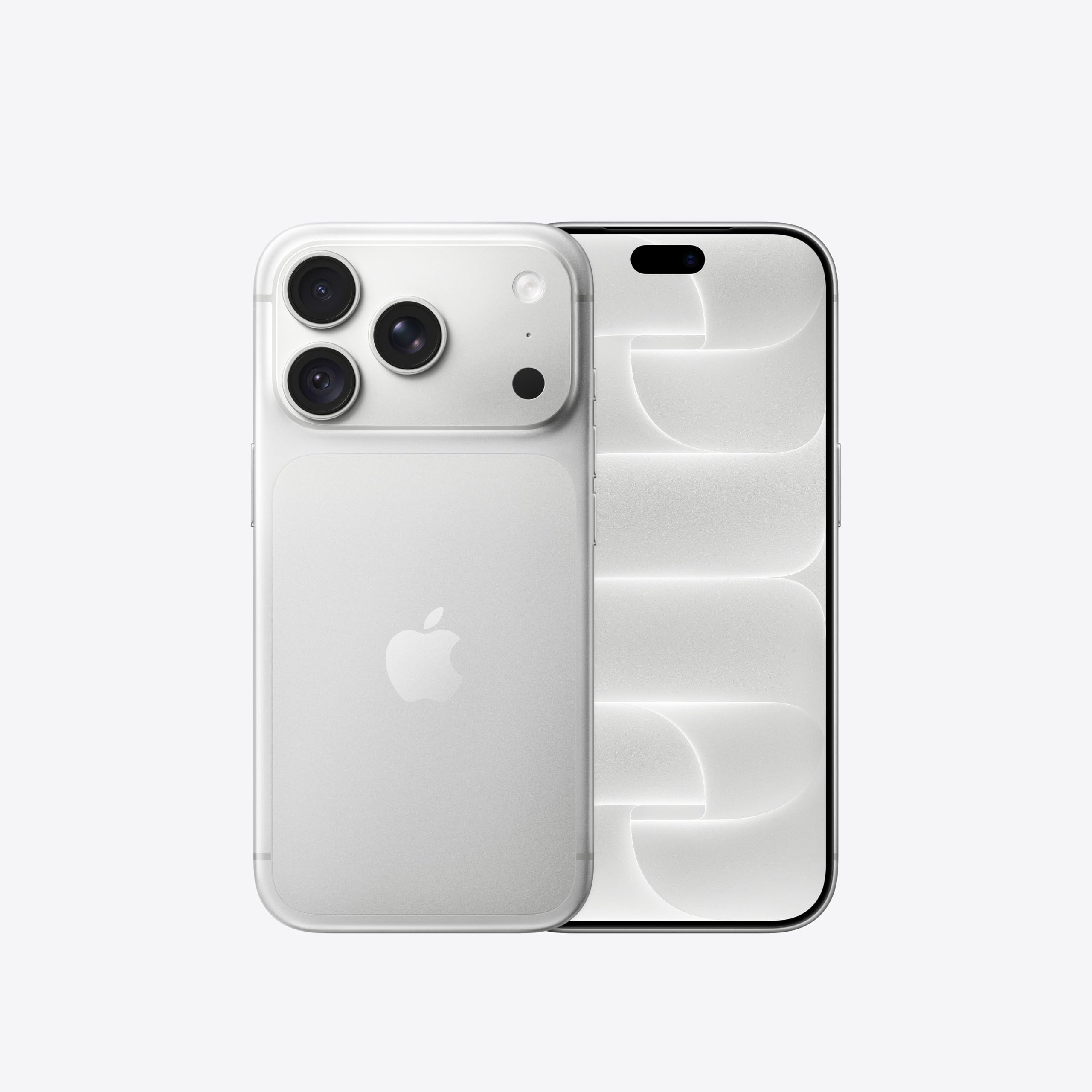
Affiliate links: we may earn a commission from qualifying purchases, with no effect on the price or the order of products.
How to narrow your choice
For photos, begin with your working device and the files you need to open. A compatible operating system doesn't prove your camera or file format is supported. If you're switching editors, read the documentation on keeping originals and exporting work before you move your library.
darktable
The maker declares Windows, macOS and Linux, plus a free plan. That statement doesn't say which features the free plan includes. Before you commit, open the source and check the requirements of the version for your device.
GIMP
The maker declares Windows, macOS and Linux, plus a free plan. That statement doesn't say which features the free plan includes. Before you commit, open the source and check the requirements of the version for your device.
Krita
The maker declares Android, Windows, macOS and Linux, plus a free plan. That statement doesn't say which features the free plan includes. Before you commit, open the source and check the requirements of the version for your device.
Photopea
The maker declares Web only. The available evidence doesn't confirm a free plan. Before you commit, open the source and check the requirements of the version for your device.
Pixelmator Pro
The maker declares iOS and macOS. The available evidence doesn't confirm a free plan. Before you commit, open the source and check the requirements of the version for your device.
RawTherapee
The maker declares Windows, macOS and Linux, plus a free plan. That statement doesn't say which features the free plan includes. Before you commit, open the source and check the requirements of the version for your device.
How to read the costs
A free plan, a time-limited trial and a subscription are three different things. Check the official price list for the limits of the plan you want. Also check whether you pay monthly, yearly or once. A missing price stays unverified; it doesn't become zero. Listed prices apply to the selected market and don't prove every version of the same app costs the same.
What to check before installing
Before moving important data, read the official documentation on export, synchronisation and offline access. If those features aren't in the verified facts, this page doesn't attribute them to the app. Check the interface language and your country's store terms too. The right pick depends on your task and your devices, not on the lowest price alone.
Verified facts
- darktable · Platform Windows · Versione stabile
- 1 Source
- darktable · Platform Macos · Versione stabile
- 1 Source
- darktable · Platform Linux · Versione stabile
- 1 Source
- darktable · Free Plan · Versione stabile
- 1 Source
- GIMP · Platform Linux · Versione stabile
- 1 Source
- GIMP · Platform Macos · Versione stabile
- 1 Source
- GIMP · Platform Windows · Versione stabile
- 1 Source
- GIMP · Free Plan · Versione stabile
- 1 Source
- Krita · Platform Windows · Versione stabile
- 1 Source
- Krita · Platform Macos · Versione stabile
- 1 Source
- Krita · Platform Linux · Versione stabile
- 1 Source
- Krita · Platform Android · Versione stabile
- 1 Source
- Krita · Platform Ios · Versione stabile
- 0 Source
- Krita · Free Plan · Versione stabile
- 1 Source
- Photopea · Platform Web · Versione web
- 1 Source
- Pixelmator Pro · Platform Macos · Versione corrente
- 1 Source
- Pixelmator Pro · Platform Ios · Versione corrente
- 1 Source
- RawTherapee · Platform Linux · Versione corrente
- 1 Source
- RawTherapee · Platform Windows · Versione corrente
- 1 Source
- RawTherapee · Platform Macos · Versione corrente
- 1 Source
- RawTherapee · Free Plan · Versione corrente
- 1 Source
Explore related coverage
No other published coverage for this subject yet.
Sources
- darktable.orgWeb page · install · Oct 28, 2026Opens the source in a new tab
- darktable.orgWeb page · about · Oct 28, 2026Opens the source in a new tab
- gimp.orgWeb page · downloads · Oct 28, 2026Opens the source in a new tab
- gimp.orgWeb page · about · Oct 28, 2026Opens the source in a new tab
- krita.orgWeb page · download · Oct 28, 2026Opens the source in a new tab
- photopea.comWeb page · learn · Oct 28, 2026Opens the source in a new tab
- pixelmator.comWeb page · pro · Oct 28, 2026Opens the source in a new tab
- rawtherapee.comWeb page · 5 · Oct 28, 2026Opens the source in a new tab
- github.comRepository · RawTherapee · Oct 28, 2026Opens the source in a new tab
Ask Sir Compare:Explain these numbers to me
What changed
- Page updated

Sir Compare’s letter
Updates on Photo editing apps? I’ll send them your way.
Pick what you care about: I only write when something new comes out — a guide, a news story, a verified price that drops.
Step 1 of 2
What are you into?
Pick as many as you like. Pick none and you get what’s new in every section.
- Only what you pick
- Never an empty email
- One click to leave