Ratgeber
Photo editing apps: devices, free plans and prices
Aktualisiert
Entdecken Apps für Bildbearbeitung
Beginnen Sie mit Ranglisten zur Vorauswahl, prüfen Sie Spezifikationen auf Produktseiten und folgen Sie den Anleitungen.
6 aktive Katalogprodukte
Photo editing apps: which devices, what's free, what you pay
Start from the device you actually edit on, then check that your platforms appear in the app's entry. This page puts the makers' own declarations next to the links to their sources. If a platform is missing, it doesn't mean the app can't run there. It means I have no verified declaration to show you. I haven't scored features and I haven't run hands-on tests.
Vor der Entscheidung vergleichen
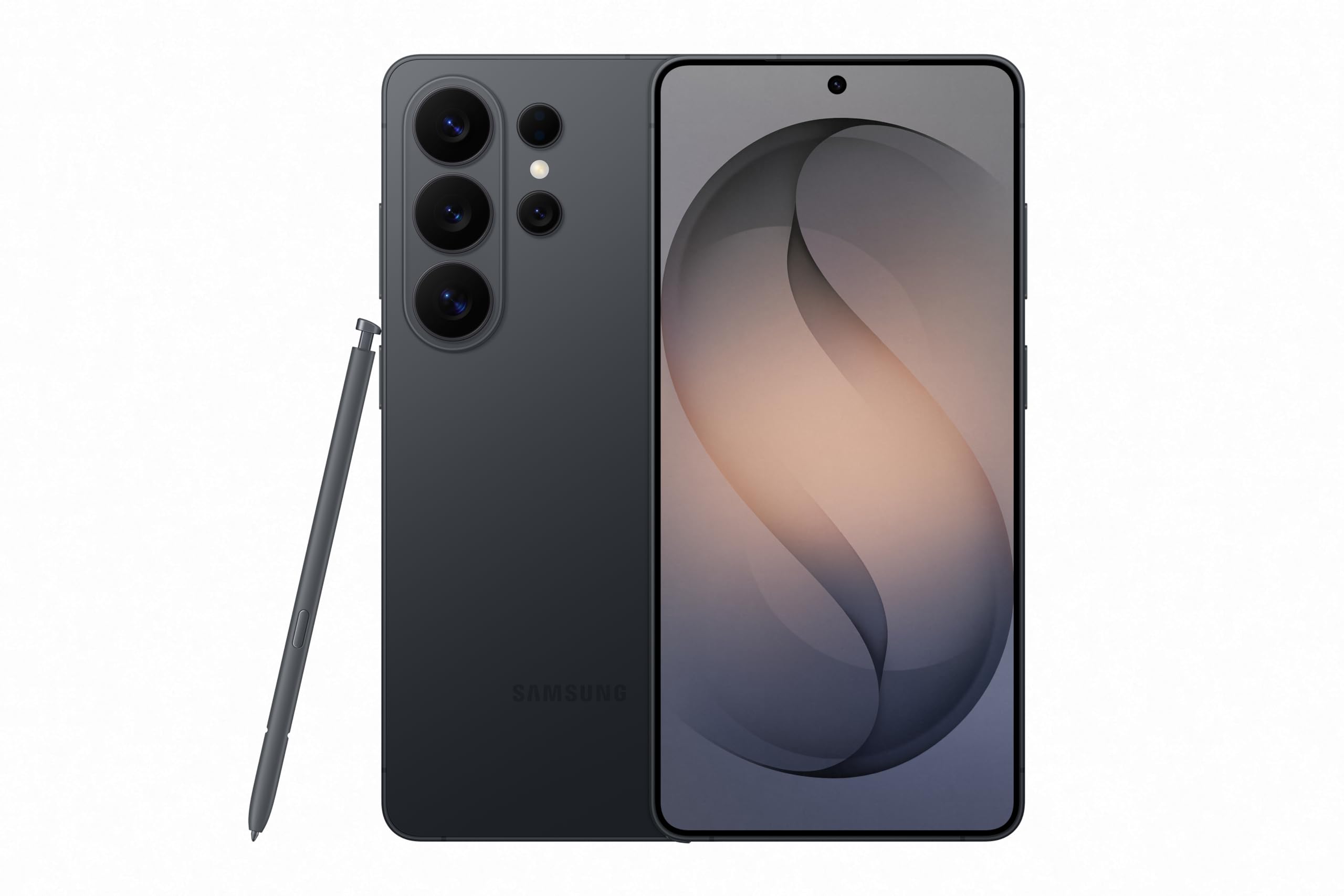
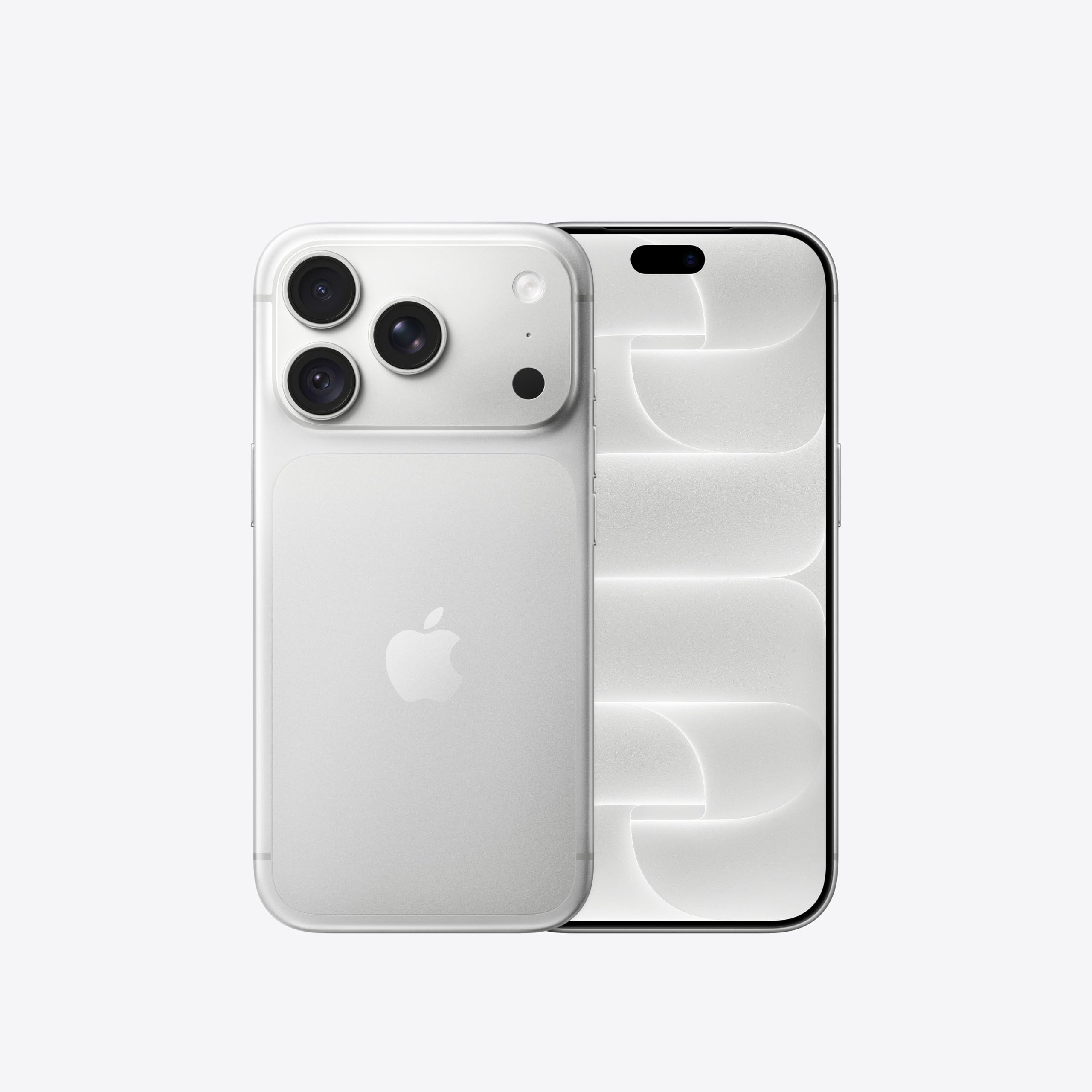
Aus unserer Rangliste: Best Flagship Smartphones (2026)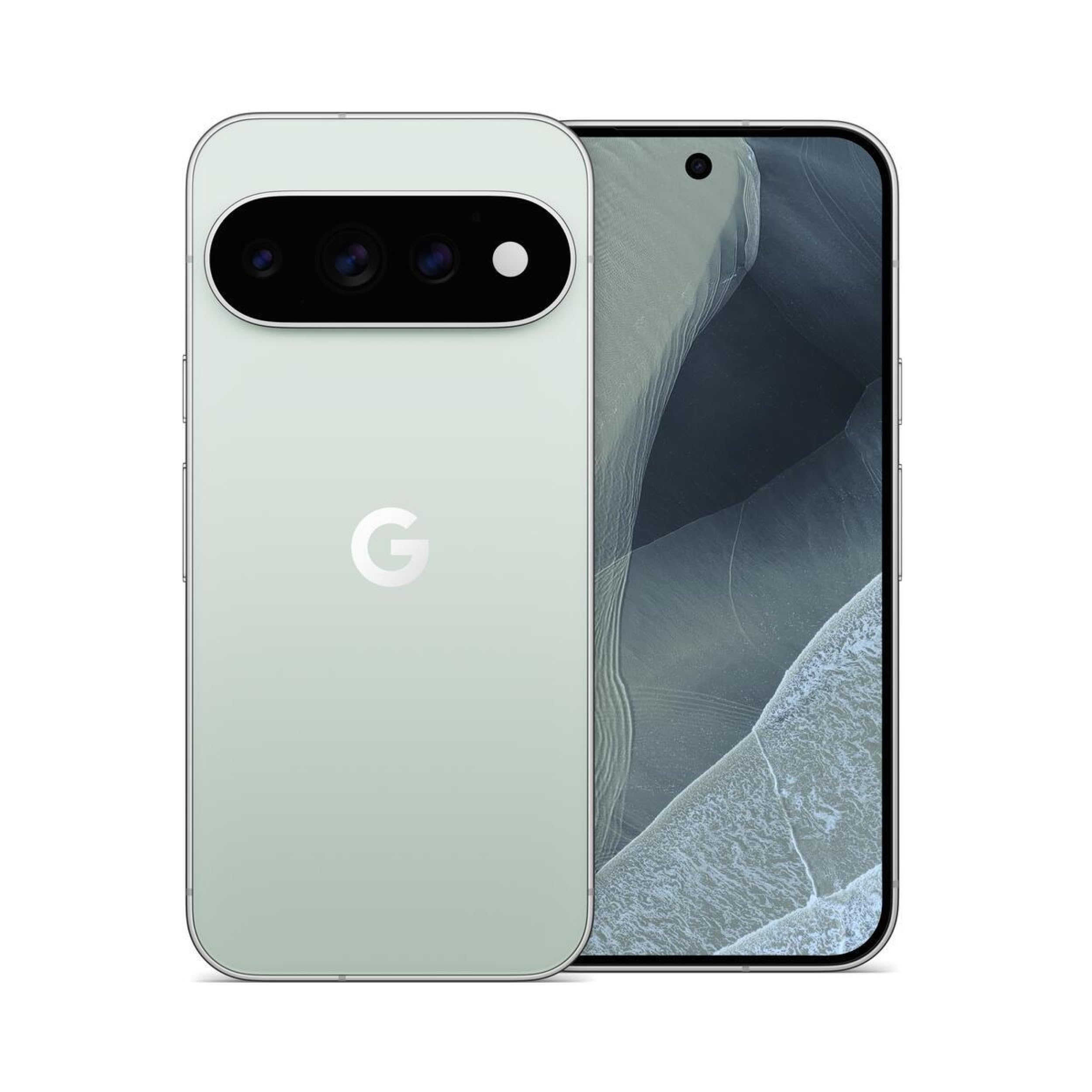
Werbung: Affiliate-Links: Wir erhalten möglicherweise eine Provision für qualifizierte Käufe, ohne Einfluss auf Preis und Reihenfolge der Produkte.
How to narrow your choice
For photos, begin with your working device and the files you need to open. A compatible operating system doesn't prove your camera or file format is supported. If you're switching editors, read the documentation on keeping originals and exporting work before you move your library.
darktable
The maker declares Windows, macOS and Linux, plus a free plan. That statement doesn't say which features the free plan includes. Before you commit, open the source and check the requirements of the version for your device.
GIMP
The maker declares Windows, macOS and Linux, plus a free plan. That statement doesn't say which features the free plan includes. Before you commit, open the source and check the requirements of the version for your device.
Krita
The maker declares Android, Windows, macOS and Linux, plus a free plan. That statement doesn't say which features the free plan includes. Before you commit, open the source and check the requirements of the version for your device.
Photopea
The maker declares Web only. The available evidence doesn't confirm a free plan. Before you commit, open the source and check the requirements of the version for your device.
Pixelmator Pro
The maker declares iOS and macOS. The available evidence doesn't confirm a free plan. Before you commit, open the source and check the requirements of the version for your device.
RawTherapee
The maker declares Windows, macOS and Linux, plus a free plan. That statement doesn't say which features the free plan includes. Before you commit, open the source and check the requirements of the version for your device.
How to read the costs
A free plan, a time-limited trial and a subscription are three different things. Check the official price list for the limits of the plan you want. Also check whether you pay monthly, yearly or once. A missing price stays unverified; it doesn't become zero. Listed prices apply to the selected market and don't prove every version of the same app costs the same.
What to check before installing
Before moving important data, read the official documentation on export, synchronisation and offline access. If those features aren't in the verified facts, this page doesn't attribute them to the app. Check the interface language and your country's store terms too. The right pick depends on your task and your devices, not on the lowest price alone.
Verified facts
- darktable · Platform Windows · Versione stabile
- 1 Quelle
- darktable · Platform Macos · Versione stabile
- 1 Quelle
- darktable · Platform Linux · Versione stabile
- 1 Quelle
- darktable · Free Plan · Versione stabile
- 1 Quelle
- GIMP · Platform Linux · Versione stabile
- 1 Quelle
- GIMP · Platform Macos · Versione stabile
- 1 Quelle
- GIMP · Platform Windows · Versione stabile
- 1 Quelle
- GIMP · Free Plan · Versione stabile
- 1 Quelle
- Krita · Platform Windows · Versione stabile
- 1 Quelle
- Krita · Platform Macos · Versione stabile
- 1 Quelle
- Krita · Platform Linux · Versione stabile
- 1 Quelle
- Krita · Platform Android · Versione stabile
- 1 Quelle
- Krita · Platform Ios · Versione stabile
- 0 Quelle
- Krita · Free Plan · Versione stabile
- 1 Quelle
- Photopea · Platform Web · Versione web
- 1 Quelle
- Pixelmator Pro · Platform Macos · Versione corrente
- 1 Quelle
- Pixelmator Pro · Platform Ios · Versione corrente
- 1 Quelle
- RawTherapee · Platform Linux · Versione corrente
- 1 Quelle
- RawTherapee · Platform Windows · Versione corrente
- 1 Quelle
- RawTherapee · Platform Macos · Versione corrente
- 1 Quelle
- RawTherapee · Free Plan · Versione corrente
- 1 Quelle
Explore related coverage
Zu diesem Thema gibt es noch keine weiteren veröffentlichten Inhalte.
Sources
- darktable.orgWebseite · install · 28.10.2026Öffnet die Quelle in einem neuen Tab
- darktable.orgWebseite · about · 28.10.2026Öffnet die Quelle in einem neuen Tab
- gimp.orgWebseite · downloads · 28.10.2026Öffnet die Quelle in einem neuen Tab
- gimp.orgWebseite · about · 28.10.2026Öffnet die Quelle in einem neuen Tab
- krita.orgWebseite · download · 28.10.2026Öffnet die Quelle in einem neuen Tab
- photopea.comWebseite · learn · 28.10.2026Öffnet die Quelle in einem neuen Tab
- pixelmator.comWebseite · pro · 28.10.2026Öffnet die Quelle in einem neuen Tab
- rawtherapee.comWebseite · 5 · 28.10.2026Öffnet die Quelle in einem neuen Tab
- github.comRepository · RawTherapee · 28.10.2026Öffnet die Quelle in einem neuen Tab
Frag Sir Compare:Erklär mir diese Zahlen
Was sich geändert hat
- Seite aktualisiert

Post von Sir Compare
Neues zu Apps für Bildbearbeitung? Ich schreibe Ihnen.
Wählen Sie Ihre Themen: Ich schreibe nur, wenn etwas Neues erscheint — ein Ratgeber, eine Nachricht, ein geprüfter Preis, der sinkt.
Schritt 1 von 2
Was interessiert Sie?
Wählen Sie beliebig viele. Ohne Auswahl erhalten Sie das Neue aus allen Bereichen.
- Nur, was Sie wählen
- Nie eine leere E-Mail
- Abmelden mit einem Klick