Guide
Apple Watch Series 12 and Ultra 4: Siri Recap and Live Rewind coming in watchOS 27.3
Updated

Explore Apps & software
Start with rankings to shortlist products, use product pages to inspect specifications, and follow tutorials for instructions.
0 active catalog products
Two audio features are coming to the newest Apple Watches
Apple Watch Series 12 and Apple Watch Ultra 4 owners will get two more features later this year. According to 9to5Mac, the additions are Siri Recap and Live Rewind. Both are tied to watchOS 27, the software generation the site describes as a major focus for Siri.
The report says Apple is expected to introduce both in watchOS 27.3, which the site says should launch in beta very soon.
One limit up front: the details come from Apple's own descriptions, not from hands-on use. The site did not test either feature, so how well they work in daily life is still open.
Compare before you choose
From our ranking: Best Flagship Smartphones (2026)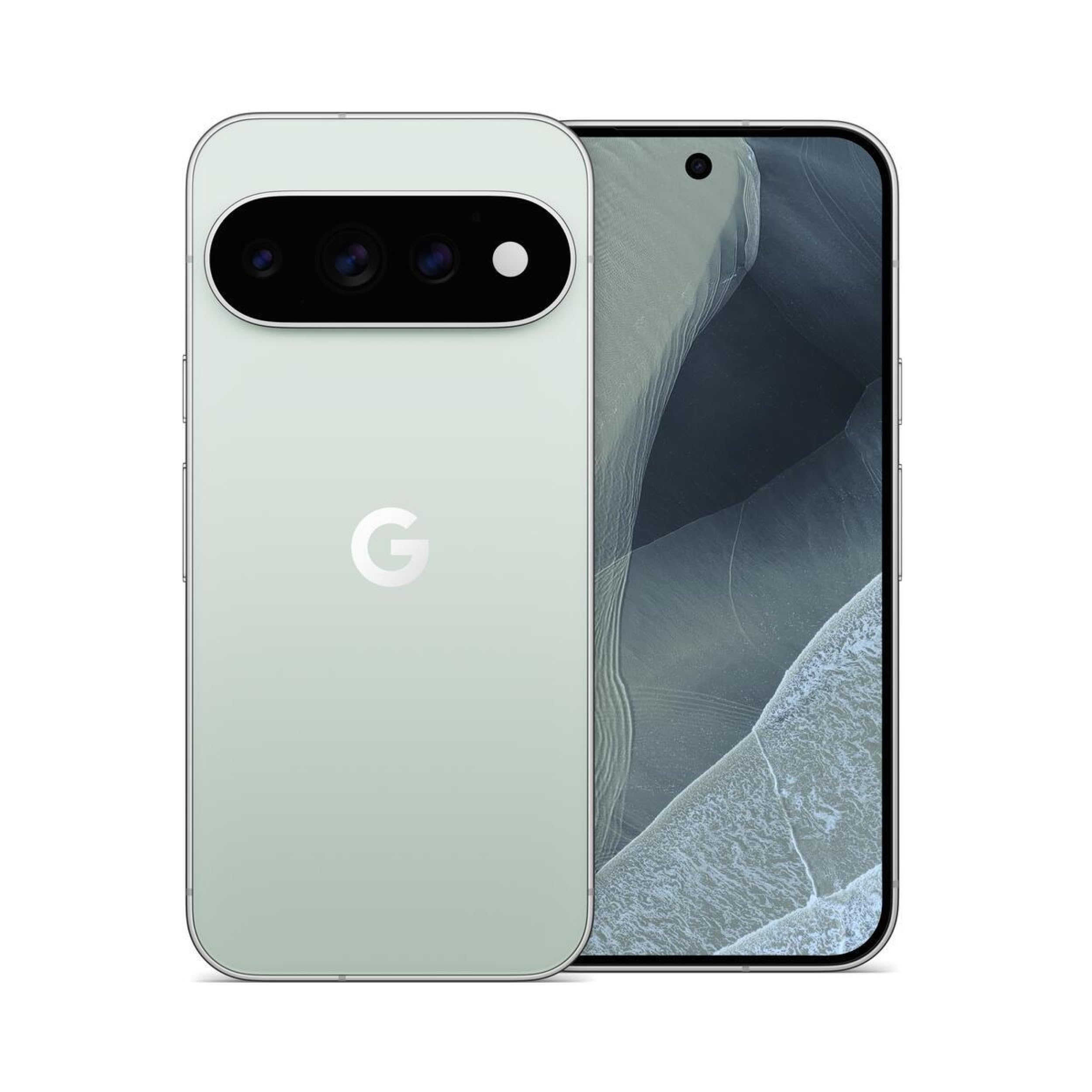
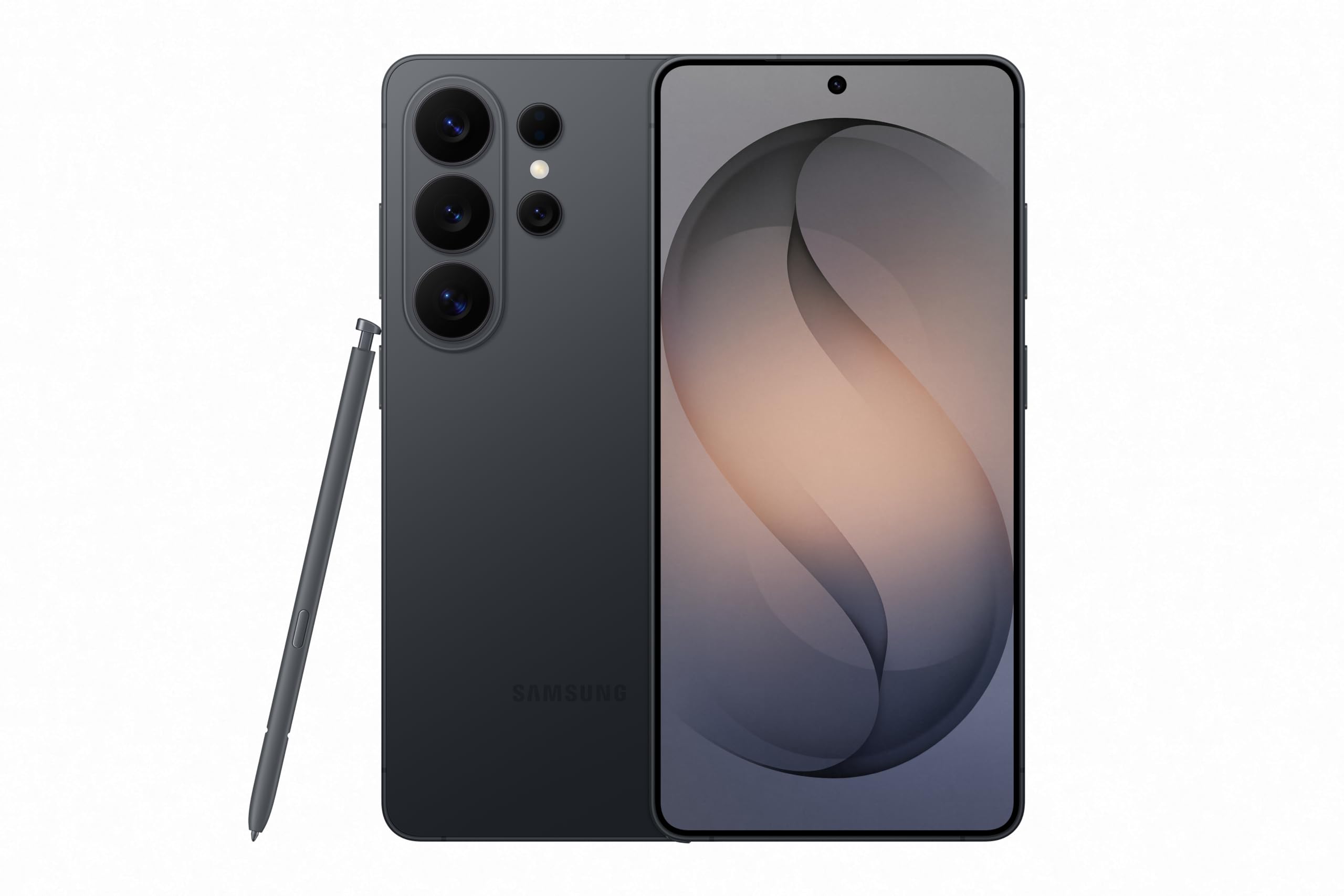
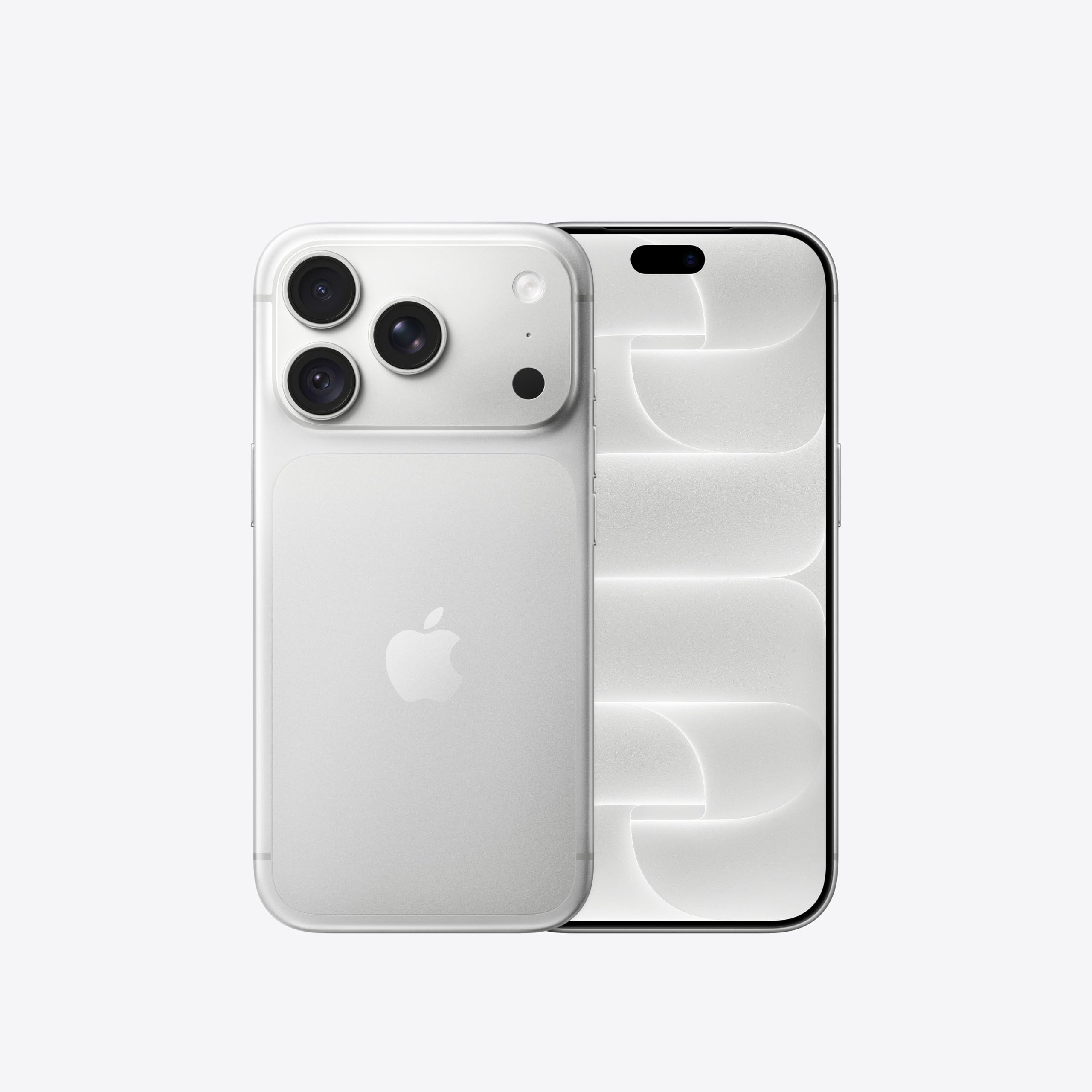
Affiliate links: we may earn a commission from qualifying purchases, with no effect on the price or the order of products.
Siri Recap takes notes and writes summaries of your day
Siri Recap works in the background. Per Apple's description, it takes notes on your conversations throughout the day and creates high-level summaries generated by Apple Intelligence. You can use those summaries later to jog your memory.
There is a storage rule you should know. Summaries auto-delete after 7 days if you choose not to save them.
The writer at 9to5Mac notes that nobody was necessarily asking for this feature. He adds it could add valuable utility if the privacy protections are done right. Apple points to a white paper for the finer privacy details, but the report does not summarize what that document says.
Live Rewind replays the last 15 seconds as text
Live Rewind is another Audio Intelligence feature coming to the new Apple Watch models later this year, per the report. Apple says it recalls what was just said in the last 15 seconds by showing a text snippet on the watch.
You trigger it by double-pressing the Digital Crown, so you can catch something you missed or are less familiar with. From there you can ask Siri about the content of the snippet or save it to the Siri app.
The 9to5Mac writer is less convinced here. He says the utility of Live Rewind seems less obvious beyond accessibility needs. He is still interested to see how it works in its finished form. That is one reviewer's view, not a measured result.
What the report says about timing and privacy
The 9to5Mac report places both features in watchOS 27.3, which it says should launch in beta very soon. It does not offer test data on accuracy, so the descriptions should be treated as Apple's claims until the software ships.
On privacy, the report notes that Apple has in-depth details on Live Rewind's protections outlined in a linked document, and points to a white paper for Siri Recap. The article does not summarize the contents of either document.
Related guides
No other published coverage for this subject yet.
Sources
Ask Sir Compare:Explain these numbers to me
Opens Amazon's results for this product: check the model, price and availability there.
Apple Watch Series 12 · Apple Watch Series 12 GPS 42 mm Smartwatch S/M - Regolabile per polsi da 130-180 mm Cassa 42 mm in alluminio Nero GPS · Search on Amazon
What changed
- Page updated

Sir Compare’s letter
Updates on Apps & software? I’ll send them your way.
Pick what you care about: I only write when something new comes out — a guide, a news story, a verified price that drops.
Step 1 of 2
What are you into?
Pick as many as you like. Pick none and you get what’s new in every section.
- Only what you pick
- Never an empty email
- One click to leave