News
PS5 cleaning: soft cloth, no alcohol, covers off only if needed
Updated
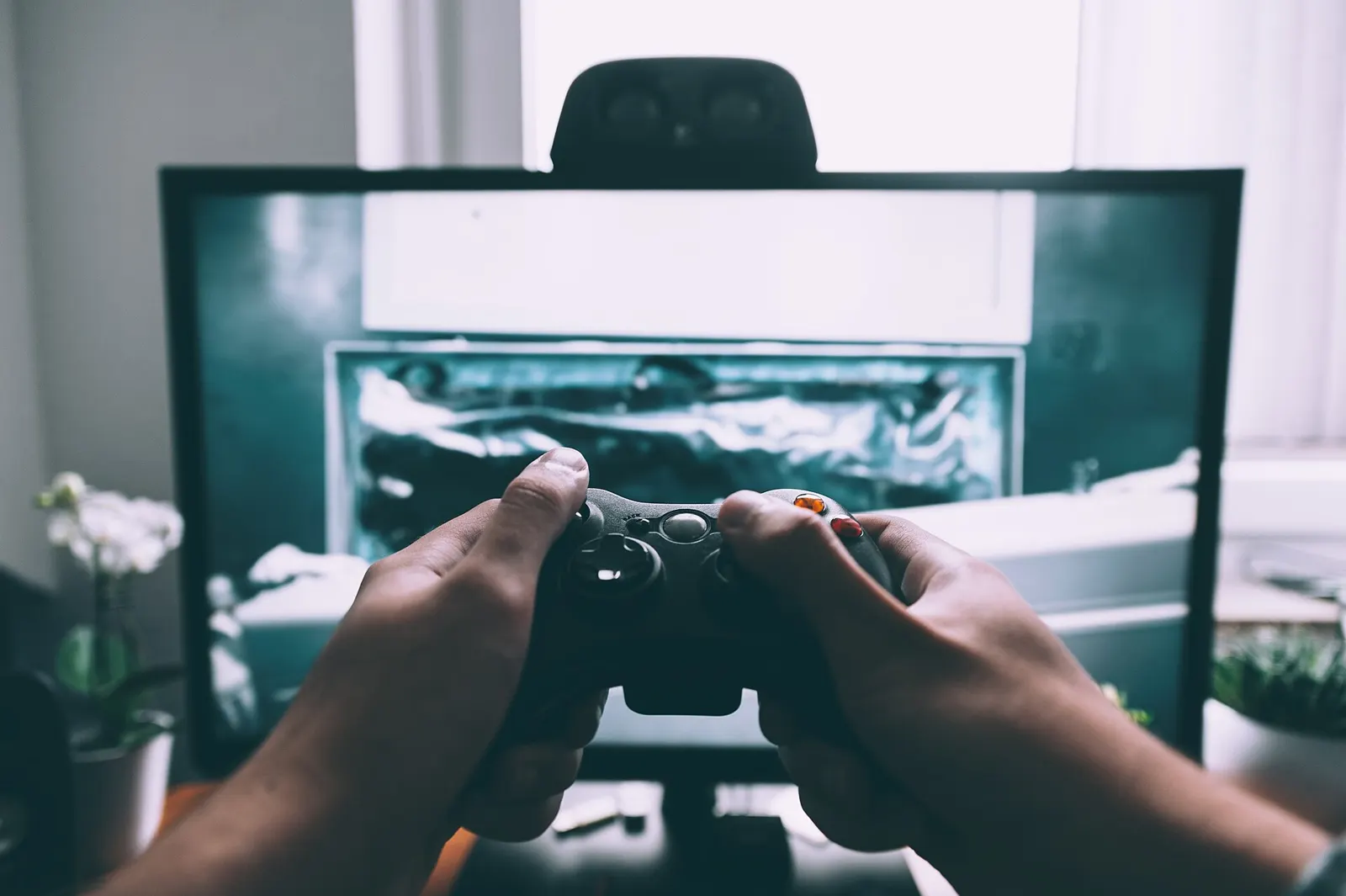
Why dust matters and where to start
Dust buildup inside a PlayStation 5 restricts airflow and pushes the console to work harder to cool itself, according to Engadget. With PS5 prices climbing, a neglected console is a costly thing to replace. The routine starts before any cloth comes out: shut the system down, unplug every cable and let it cool. Then set it on a flat, clean surface. Never begin right after a session. The first pass is only the outside — wipe away visible dust and grit with a clean, soft cloth, as Sony advises in its safety guide. Keep the pressure modest.
What not to put on the plastic
People online recommend rubbing alcohol and other cleaners, but the PS5's internal and external parts include ABS, polycarbonate and a PC-ABS blend, each with its own chemical weaknesses. Sony specifically advises against alcohol, which may discolor the shell or degrade its materials. Skip bleach and chemically treated cloths too. A plain wipe with a soft cloth is the whole exterior step.
Vents, brushes and the right vacuum
Most of the exterior work centers on the vents. A small handheld vacuum works, or a compressed air and vacuum combo. Don't reach for an industrial shop vac. A cotton swab catches what the vacuum misses, and a soft brush — an old toothbrush is fine — helps loosen caked-on dirt. Take it slowly rather than blasting the openings.
Removing the covers for trapped dust
The side covers are designed to come off, but they are fairly flimsy, so go slow. The method differs between the original PS5 and the Slim or Pro models; Sony's instructions show how. With the covers set aside, use the same microfiber cloth and handheld vacuum on whatever dust you can reach on both sides. No screws need to come out and the fan stays connected. If you use canned air, don't let the fan spin — that can generate an electric charge that damages the system. Jam the blades with a cotton swab first. Look for the triangular dust-catcher spots Sony built in for debris.
Going deeper and putting it back
Anything past the covers is your call. Opening further risks damaging internal components, and Sony's warranty excludes damage from unauthorized opening or work inside the PS5. Removing the fan screws takes a TR8 Torx Security screwdriver. When you finish, reverse the steps to refit the covers, then reattach the stand before plugging everything back in. Covers that aren't seated right can disrupt airflow, which may shorten the console's life, so check the alignment. Vertical or horizontal placement both work, as long as the stand is used either way.
Related coverage
News
- Penguin Colony: PS2-style horror with penguins, Nazis and Lovecraft
- Walmart canceled your Zelda Switch 2 pre-order: 48 hours to reorder
- Petit Planet: release date, platforms, and free download
- Wuhu Island in Switch Sports Resort: 105 Spocco Photos, three open-world sports
- Final Fantasy XIV Evercold: new date, early access, preorders
Source: Engadget · Tech e gadget (US)
Video

What changed
- Page updated

Sir Compare’s letter
Updates on Video games & gaming? I’ll send them your way.
Pick what you care about: I only write when something new comes out — a guide, a news story, a verified price that drops.
Step 1 of 2
What are you into?
Pick as many as you like. Pick none and you get what’s new in every section.
- Only what you pick
- Never an empty email
- One click to leave