Article
iPhone Duo: kickstand fixes, MagSafe limits, what changes
Updated
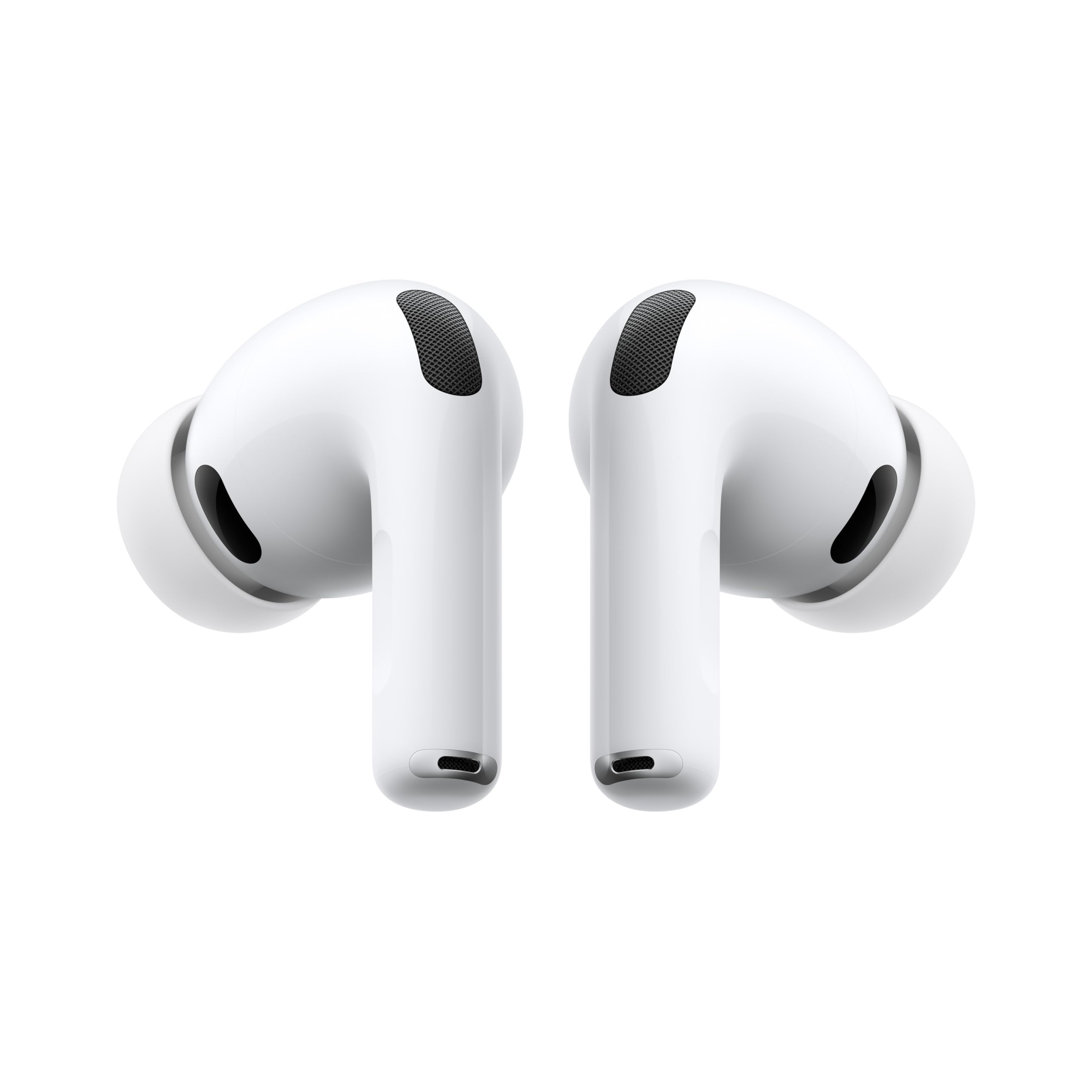
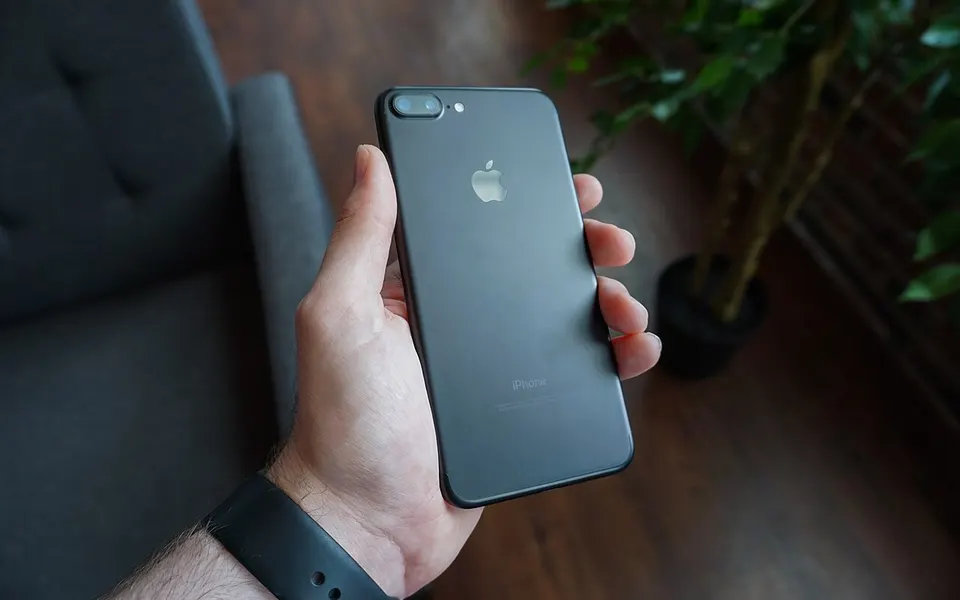
The iPhone Duo kickstand gap and a $36–40 workaround
If you bought an iPhone Duo, propping it on a table is harder than it should be. Michael Burkhardt, writing for 9to5Mac on November 1, 2026, says he was disappointed by the options on the market.
Apple's official folio with a kickstand costs $129. Burkhardt calls it expensive, flimsy, and in the way of the outer display. MagSafe wallets that double as kickstands are too tall for the back of the phone, and he says good third-party cases are still scarce.
His pick is the PopSocket Low-Pro, a low-profile MagSafe grip with a ring that flips out as a stand. It isn't made for the Duo specifically; it works on all iPhones. He lists it on Amazon at $36–40 depending on color, with Lilac and Orange at $36.
One limit: this is one person's experience, not a lab test. He tested it on his own stands, not on every case or wallet you might already own.
The products in this article
From our ranking: AirPods Pro 3 vs Liberty 5 Pro: which to choose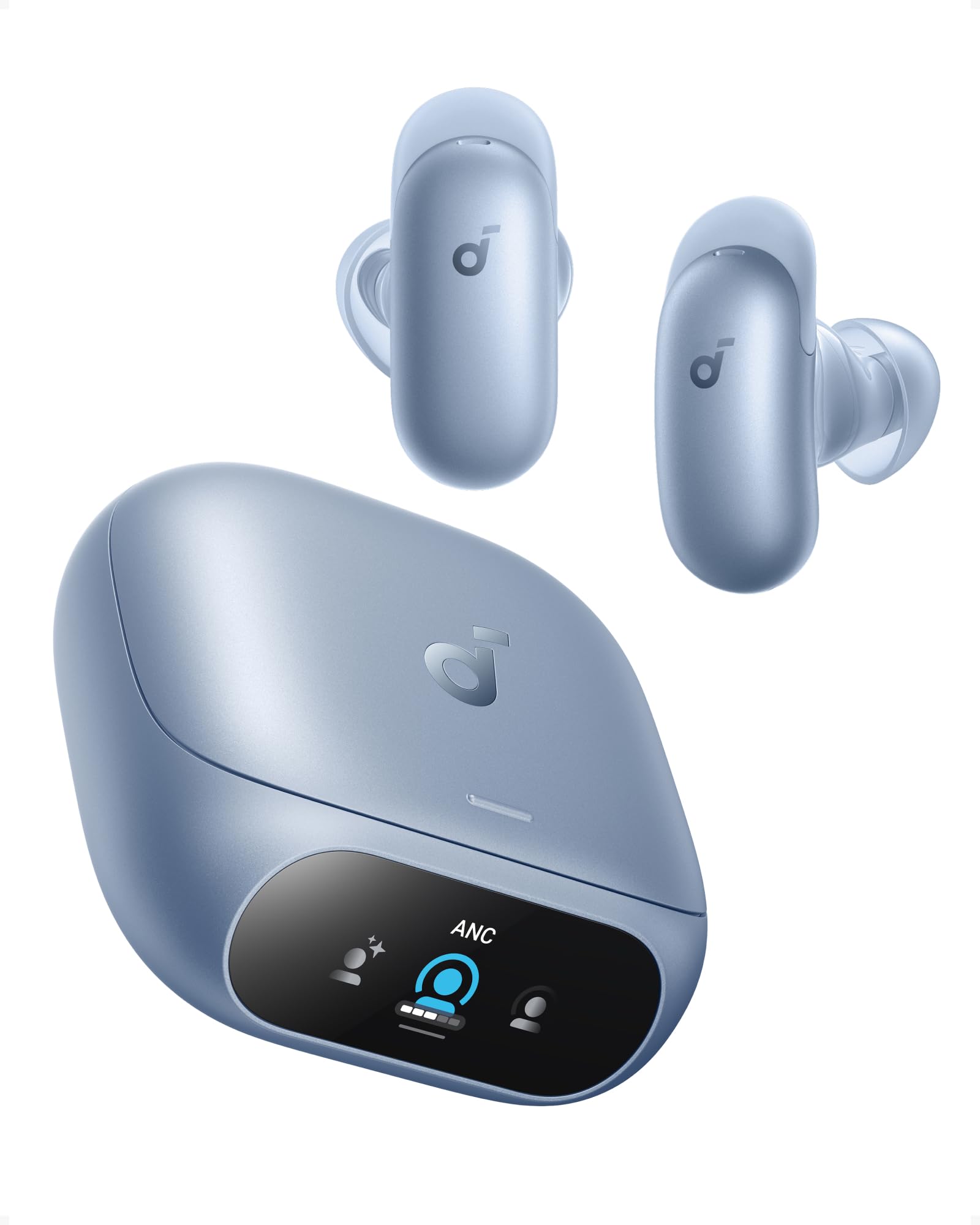

Affiliate links: we may earn a commission from qualifying purchases, with no effect on the price or the order of products.
What the Low-Pro actually fixes on a folded phone
Burkhardt reports three strengths on the Duo. It holds the phone up on a table even when unfolded. It's thin enough for MagSafe charging to pass through, though he notes extra heat. And its added magnetic strength keeps an unfolded Duo on a MagSafe stand without slouching too much.
That last point matters. Some Duo reviewers said the phone can't really sit on a MagSafe stand while open, because the left half drags it down. Burkhardt says the PopSocket largely fixes that, with slight slipping over longer periods.
He also likes that it lets him use the phone without a case. The Duo is 11.3mm thick folded, and he didn't want more bulk. He says the Low-Pro can't really be felt in hand and protrudes less than the camera bump.
A $149 desktop charger that covers six devices at once
Fernando Silva, also at 9to5Mac, spent a month with the CUKTECH 15 PowerStation, a 140W GaN desktop charger. He says it finally checks every box for him after years of compromises on power, ports, or wireless speed.
The port list: a 140W USB-C PD 3.1 port, a built-in 120W retractable USB-C cable (70cm), a 33W USB-C port, a 22.5W USB-A port, a 15W magnetic wireless charger, and a 5W pad for earbuds. There's also a 1.8-inch display showing charging status.
The catch he flags: 140W is the total output, shared across everything connected. He also notes there's no dedicated Apple Watch charger, so he plugs in his own. It's available on Amazon in the US for $149, after earlier availability in Europe.
Early Black Friday prices on Apple gear
9to5Mac's deals roundup for the weekend of November 1, 2026 lists early Black Friday prices. AirPods Pro 3 are $199, down from $249. AirTag 2 starts at $24 for one, or $70 for a four-pack, both matching all-time lows.
The Apple Watch Ultra 4 appears at $699 in several band options, down from $799. The M5 MacBook Air 13-inch with 16GB and 512GB is $1,099, down from $1,299. The M6 Mac mini with 16GB and 256GB is $780, down from $899.
These are listed prices from a deals post, not independent checks. Stock and color options can change, and some offers pair a purchase with a gift card rather than a lower price.
Touch on the MacBook Pro: what Apple changed in macOS 27
Apple's new MacBook Pro with PROLED XDR is its first MacBook with a touch display, per 9to5Mac's Michael Burkhardt on October 31, 2026. macOS 27 Golden Gate adds touch behavior beyond what shipped earlier in the year.
Window controls in the top left get bigger when tapped. Trackpad gestures move to the screen: three-finger swipes for Mission Control and spaces, pinch to zoom, scrolling. Spotlight opens from the Dynamic Island, similar to iOS 27 on iPhone.
Developers can navigate the iOS simulator by touch instead of faking gestures on a trackpad. Context menus and optimized apps get larger touch targets. Safari gains pull to refresh, and menu bar items get slightly more spacing on all Macs running macOS 27. Apple says more touch work is coming, likely at the next WWDC.
Related guides
Sources
- 9to5mac.comWeb page · heres the best option for anOpens the source in a new tab
- 9to5mac.comWeb page · this 140w power station mighOpens the source in a new tab
- 9to5mac.comWeb page · black friday weekend apple dOpens the source in a new tab
- 9to5mac.comWeb page · macbook pro touch optimizatiOpens the source in a new tab
Ask Sir Compare:Explain these numbers to me
AirPods Pro 3 · View on Amazon
What changed
- Page updated

Sir Compare’s letter
Updates on Smartphones & mobile? I’ll send them your way.
Pick what you care about: I only write when something new comes out — a guide, a news story, a verified price that drops.
Step 1 of 2
What are you into?
Pick as many as you like. Pick none and you get what’s new in every section.
- Only what you pick
- Never an empty email
- One click to leave