
News
Update Android apps yourself: Shizuku plus Obtainium, no Play Store
Aktualisiert

The setup: Shizuku plants permissions, Obtainium fetches updates
Irene Okpanachi, a features writer at Android Police, describes setting up her own app updater on Android. Her combination is Shizuku and Obtainium. Shizuku is available on the Play Store; Obtainium is not, so you get it from its GitHub releases page or from F-Droid. Your browser may then ask permission to install unknown apps, and you allow it to install the APK. If Play Protect is on, she says to disable it in the Play Store and turn it back on after installing, because it may flag Obtainium as unrecognized and block the install. Shizuku also needs Developer options activated.
Vor der Entscheidung vergleichen
Aus unserer Rangliste: Best Flagship Smartphones (2026)
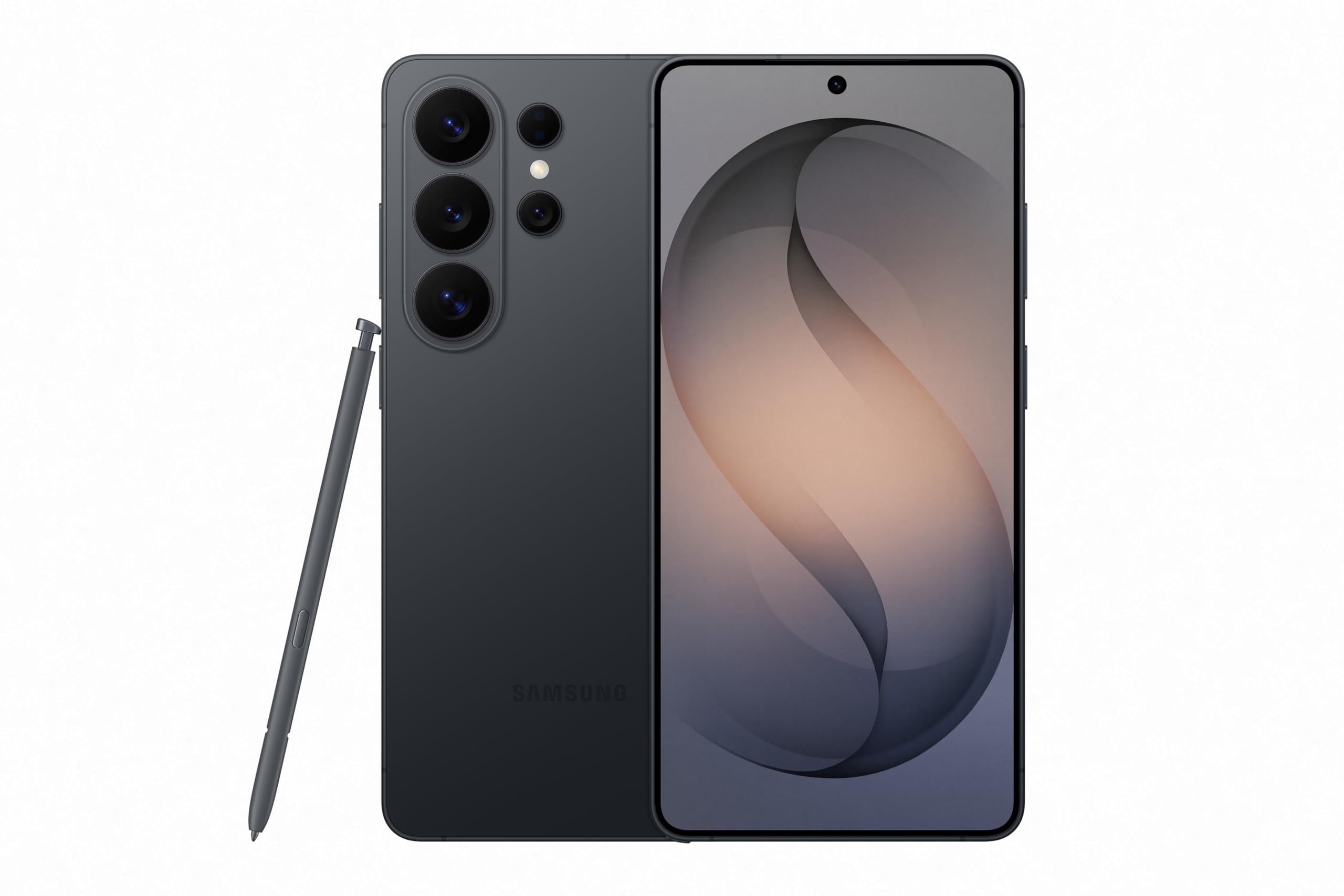

Werbung: Affiliate-Links: Wir erhalten möglicherweise eine Provision für qualifizierte Käufe, ohne Einfluss auf Preis und Reihenfolge der Produkte.
What Shizuku does without root
Shizuku has been around for years. Okpanachi describes it as the closest thing to root without rooting your phone, a reputation she credits to power users. Android apps run in a sandbox with a short list of permissions, while the ADB developers use on a computer runs with higher-level shell access: it can install apps, grant permissions and change protected settings. Shizuku starts a small background server with that same shell access, so the phone acts as its own computer, and approved apps send requests to the server, which carries them out. She writes that she had never felt the need to try it before.
Why the Play Store pushed her to try
Okpanachi says the Play Store used to be her safe haven for app downloads. With a recent wave of copycat software that slipped past its reviews, she says it no longer feels safer than downloading directly from a developer. She also points to staged rollouts: developers release updates to a percentage of users and can raise that share over time, Google picks those users at random for each release, and there is no notification when a version is in a staged rollout. A patch can sit on a developer's GitHub page for days while the Play Store says you are up to date. She says she is not abandoning the Play Store catalog.
Silent updates have conditions
On its own, Obtainium installs updates silently only on Android 12 or newer, only for apps that target a recent Android version, and only for apps it installed itself. Every other update stops at a confirmation prompt. With Shizuku as the installation method, Obtainium sends each APK to Android's package manager and the updates finish in the background without prompts. Okpanachi describes Shizuku, paired with Obtainium, as a bridge that yields a hands-free update engine.
Wireless debugging, with a Wi-Fi catch
Because Android 11 added Wireless debugging to the menu, Shizuku can connect to the ADB service on the same phone without a cable to a PC. The feature only works while the phone is on Wi-Fi, which provides the local address Shizuku needs. So the cable-free route depends on staying on a wireless network during setup. If you want to try it, install Shizuku from the Play Store and Obtainium from its GitHub releases page or F-Droid, then enable Developer options and Wireless debugging on your phone.
Related coverage
News
- iPhone Duo apps: 200,000 optimized, double in 10 days
- Google Play gift card: $100 credit for $92 on Newegg
- RadioShake on Android Auto: genre radio stations, podcasts, and fewer choices behind the wheel
- Gemini on CarPlay: what you need to use it hands-free
- Adobe Max 2026: new removal tools across Premiere, Photoshop and Lightroom
- Android Auto: PlugShare, Fuelio and SpotHero for charging, fuel and parking
- TickTick on Android: tasks, habits and Pomodoro in one app
- TikTok Shop app: features and countries
- Palantir's blowout quarter: $2.31B revenue, but short-term deals
- X app icons: over a dozen new options for iPhone and iPad
- Snapgate: decide photo by photo what ends up in Google Photos
Source: Android Police · Android & apps
Video

Was sich geändert hat
- Seite aktualisiert

Post von Sir Compare
Neues zu Apps & Software? Ich schreibe Ihnen.
Wählen Sie Ihre Themen: Ich schreibe nur, wenn etwas Neues erscheint — ein Ratgeber, eine Nachricht, ein geprüfter Preis, der sinkt.
Schritt 1 von 2
Was interessiert Sie?
Wählen Sie beliebig viele. Ohne Auswahl erhalten Sie das Neue aus allen Bereichen.
- Nur, was Sie wählen
- Nie eine leere E-Mail
- Abmelden mit einem Klick