Notizia
Snapgate: decide photo by photo what ends up in Google Photos
Aggiornato
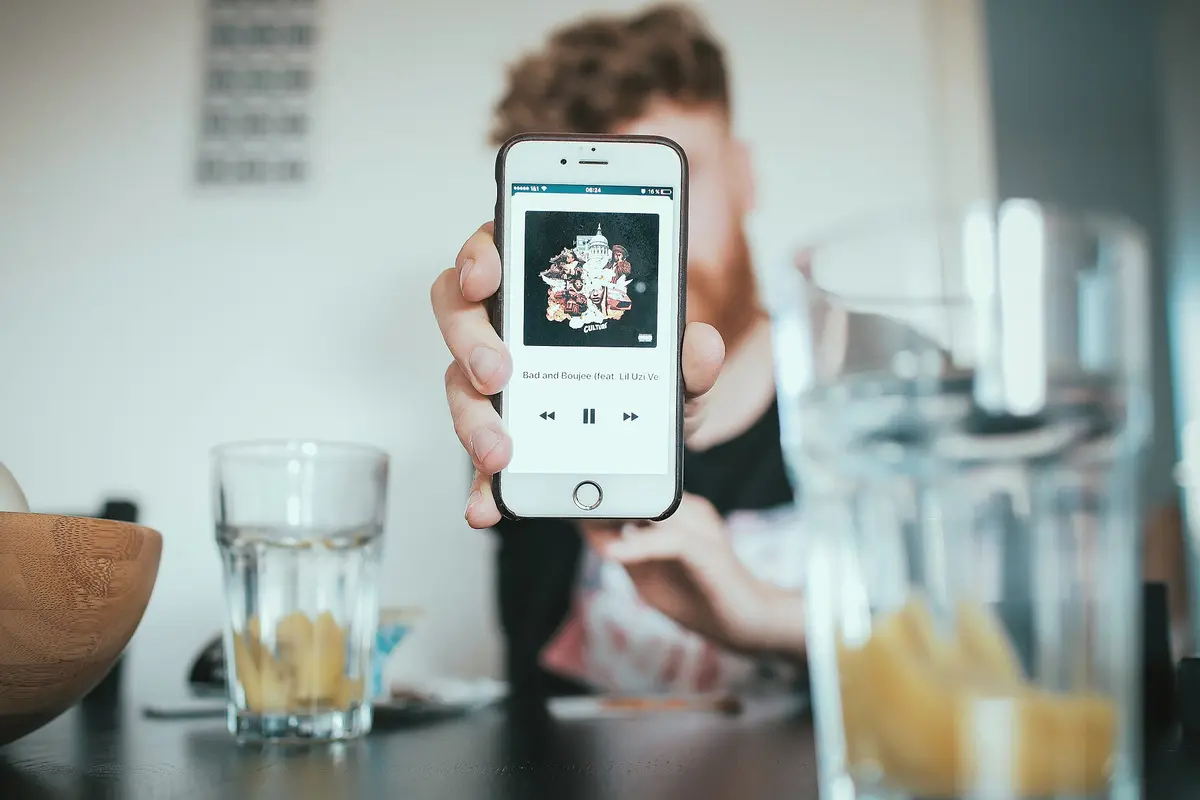
What Snapgate does after each shot
Victor Opata, an author at Android Police, writes that he looked for a way to avoid uploading every photo to Google Photos. With Snapgate, after taking a picture a notification arrives with a thumbnail and two buttons: one to back up the photo and one to discard it. There is no need to open Google Photos each time to decide what to keep in the cloud. According to Opata, it is a small change, but it leads him to think differently about the moment he takes a picture.
Da confrontare prima di scegliere
Dalla nostra classifica: Best Flagship Smartphones (2026)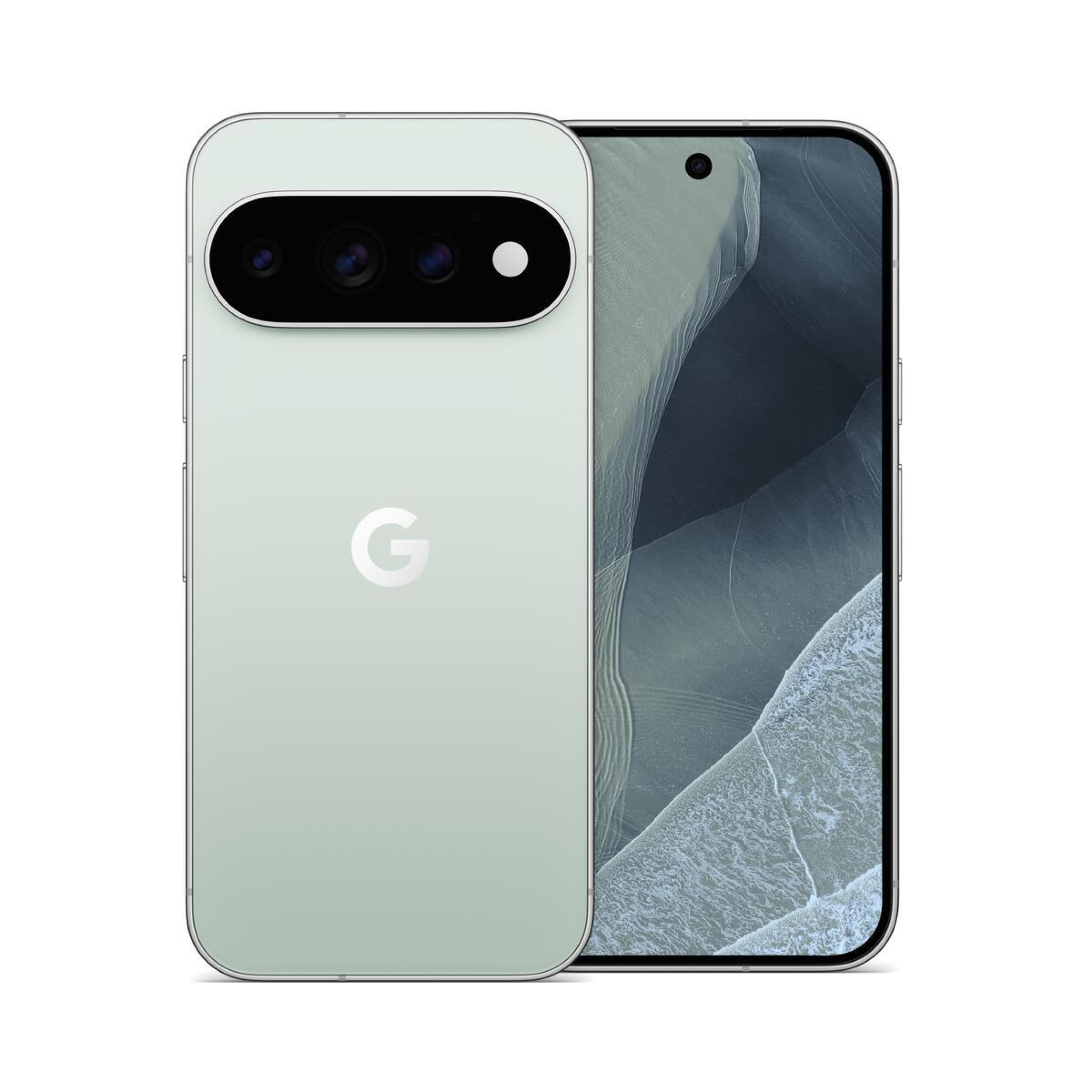
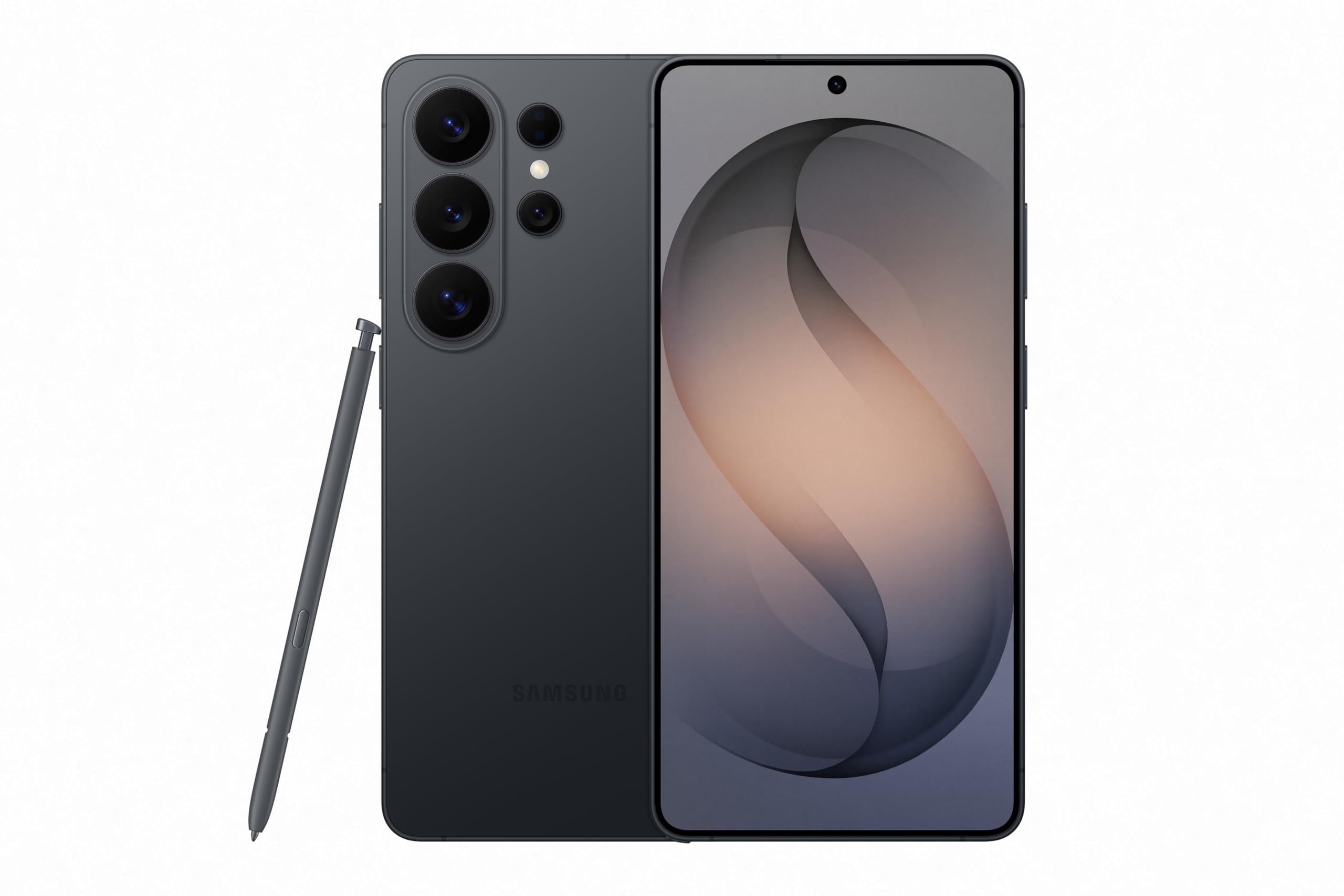
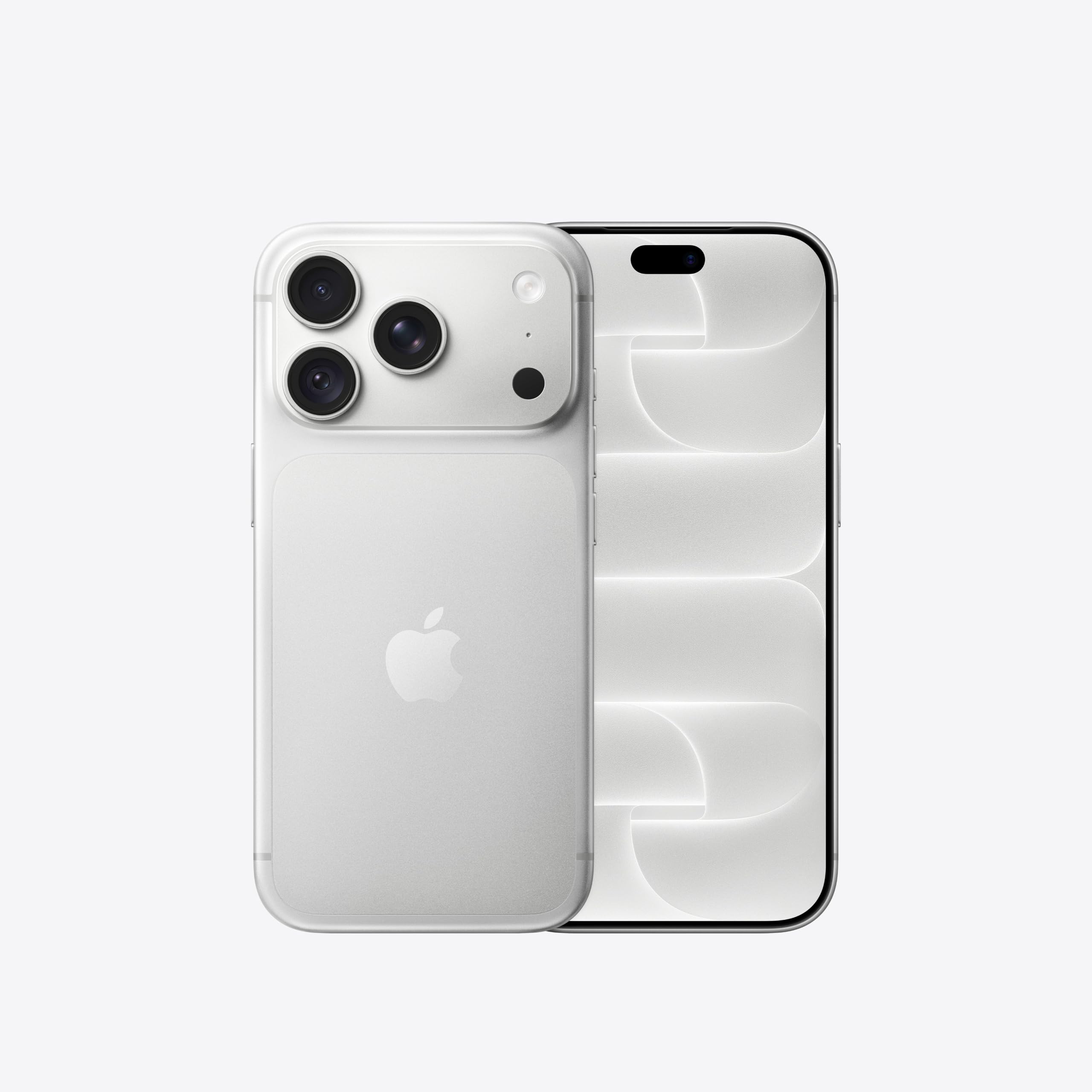
Link affiliati: possiamo ricevere una commissione sugli acquisti idonei, senza effetto sul prezzo e sull'ordine dei prodotti.
Discarding does not mean deleting
The key point: choosing Discard does not delete the photo from the phone. It only means that photo will not be uploaded. It stays in the device gallery, outside the Google Photos library. It is a middle ground between uploading everything and turning off automatic backup for the whole folder. It works for screenshots kept only briefly or for photos of products with details worth remembering. Opata cites exactly these examples: images useful in the moment, which he does not need to find again in his Google account.
The Google Photos limit behind the choice
Google Photos lets you choose which device folders to upload, but it does not allow selecting individual photos within a folder. Opata explains this with the camera folder: it contains shots worth keeping and quick-reference images he does not want in the cloud. Turning off backup for the whole folder would also lose the important photos. Leaving it on would upload everything. The alternative would be picking photos by hand later, remembering which ones matter. Snapgate moves that decision to the moment of the shot.
What to turn off before using it
For Snapgate to work smoothly, Google Photos' automatic backup must be turned off for the folders you want to manage with the app. If it stays active, every photo taken is uploaded right away in the background. Snapgate's prompts become unnecessary and double uploads may occur.
Who it makes sense for
Snapgate suits people who take many photos and want to separate the ones worth keeping from temporary ones. Opata describes a mixed gallery: family photos, screenshots, and images taken to remember something. The first deserve backup, the others do not. If this use sounds familiar, the app gives you a level of control over individual images that Google Photos does not offer.
Related coverage
Source: Android Police · Android & apps
Video

Cosa è cambiato
- Pagina aggiornata

La posta di Sir Compare
Novità su App e software? Te le scrivo io.
Scegli cosa ti interessa: ti scrivo solo quando esce qualcosa di nuovo — una guida, una notizia, un prezzo verificato che scende.
Passo 1 di 2
Cosa ti interessa?
Scegline quante vuoi. Se non scegli niente, ricevi le novità di tutte le sezioni.
- Solo quello che scegli
- Mai email vuote
- Esci con un clic