News
AirPods not connecting to your iPhone? Check battery, Bluetooth, firmware
Updated
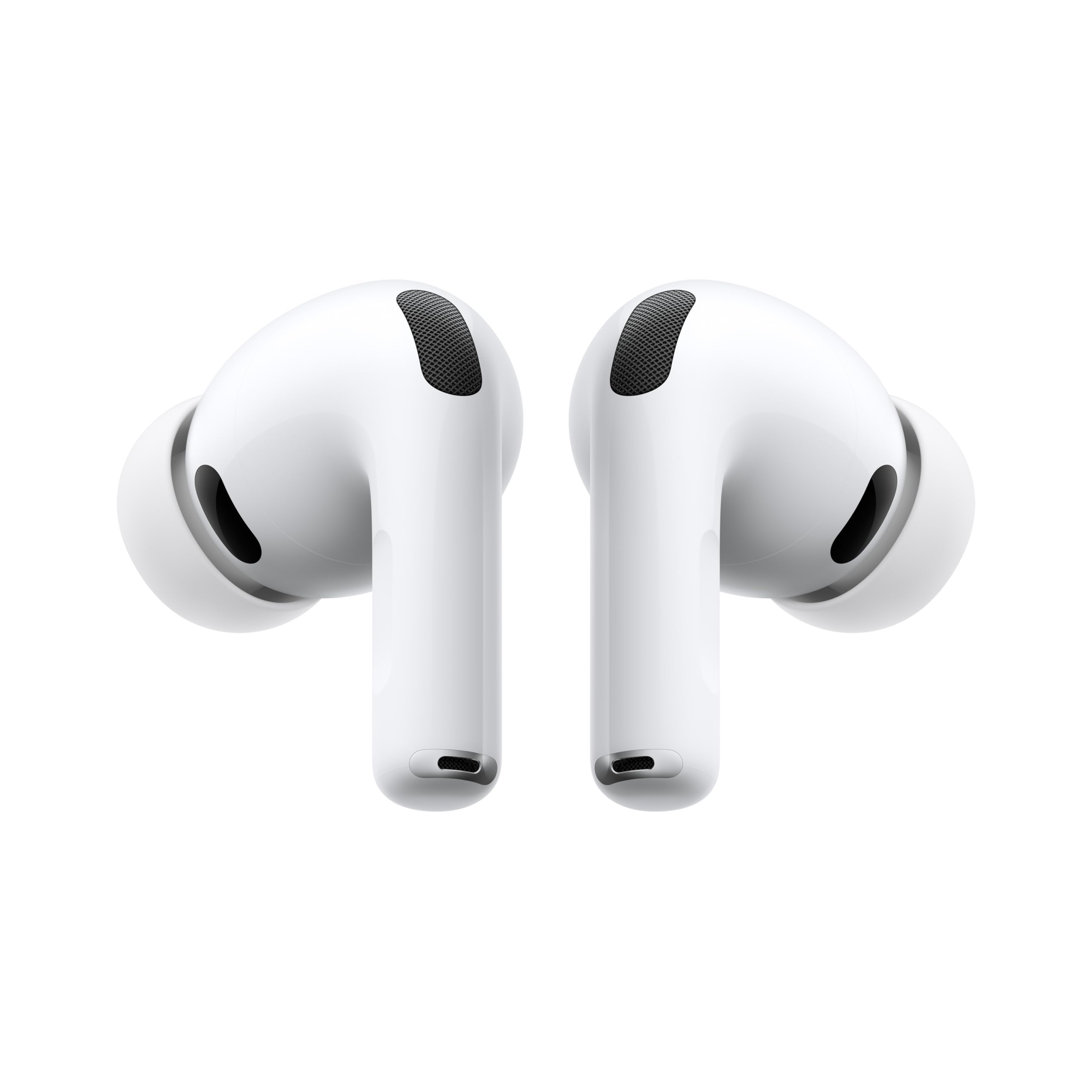
What's behind a failed pairing
Filipe Espósito, writing for Engadget, says most AirPods connection problems come down to a handful of settings. The earbuds normally pair quickly with an iPhone and switch between devices on their own, but they can go silent or refuse to connect.
Espósito groups the usual causes into a short list: a drained battery, dirt on the charging contacts, automatic switching sending audio to the wrong device, and outdated firmware or iOS. He also covers the case where only one AirPod works.
His fixes are described as quick, and he says a reset is the next step if the simple changes don't help.
The products in this article
From our ranking: Wireless earbuds: battery life, weight and price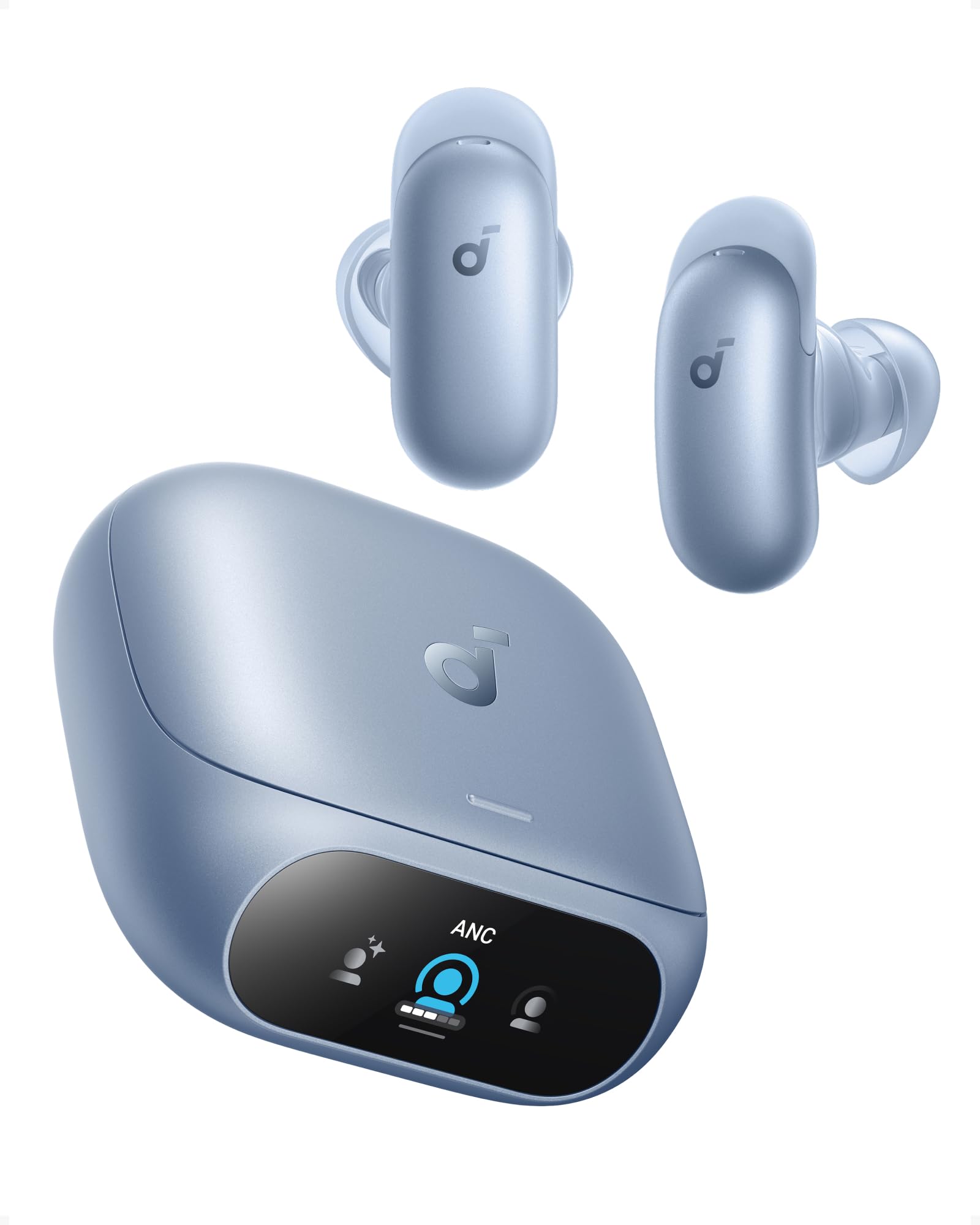

Affiliate links: we may earn a commission from qualifying purchases, with no effect on the price or the order of products.
Battery and dirty contacts first
If the battery in the earbuds or the case is fully empty, the AirPods won't appear on the iPhone at all, Espósito writes — not even a low-battery warning shows up. His suggestion is to seat the earbuds in the case, plug it in for a few minutes and watch for lights or a reconnection.
Dirt and earwax on the charging contacts can stop the AirPods from charging even while they sit in the case. If charging still fails, he recommends cleaning both the earbuds and the case with a soft cotton swab.
When auto-switch grabs the wrong device
AirPods signed in to your Apple Account can move between iPhone, iPad and Mac depending on which device is playing audio. Espósito calls the feature convenient but notes the earbuds can land on the wrong device — even a single email notification on a Mac can pull them over.
His fix is simple: press play on the iPhone and the AirPods usually come back.
Firmware, Bluetooth and a manual reset
To rule out software, Espósito points to Settings > General > Software Update for the iPhone. For the earbuds, open the AirPods menu in Settings, scroll to Version, and compare it with the latest firmware listed on Apple's webpage. If it's behind, plug the AirPods into the charger and wait about 30 minutes for them to update themselves.
He also reminds readers that AirPods won't work with Bluetooth off. Turn it on in Settings, put the earbuds in, tap them in the Bluetooth list, and check the audio output under the AirPlay button in Control Center.
Reset steps by model, then Apple Support
If the earbuds still don't appear, Espósito walks through re-pairing. Put both earbuds in the case and open the lid. On AirPods 4, AirPods 5 and AirPods Pro 3, double-tap the front of the case until a white light appears, tap again when it flashes white, and a third time when it flashes faster. Older models need a press and hold on the back button for about 15 seconds. On AirPods Max, hold the Digital Crown and the ANC button together for the same 15 seconds.
Done correctly, the iPhone shows the steps to finish pairing. If nothing works, Espósito says the cause may be a hardware failure and the best move is to contact Apple Support for a replacement, which may be free while the AirPods are under warranty.
Related coverage
No other published coverage for this subject yet.
Source: Engadget · Tech e gadget (US)
AirPods Pro 3 · View on Amazon
What changed
- Page updated

Sir Compare’s letter
Updates on Audio & video? I’ll send them your way.
Pick what you care about: I only write when something new comes out — a guide, a news story, a verified price that drops.
Step 1 of 2
What are you into?
Pick as many as you like. Pick none and you get what’s new in every section.
- Only what you pick
- Never an empty email
- One click to leave