Notizia
AirPods chirping? It may not be low battery: causes, fixes, settings
Aggiornato
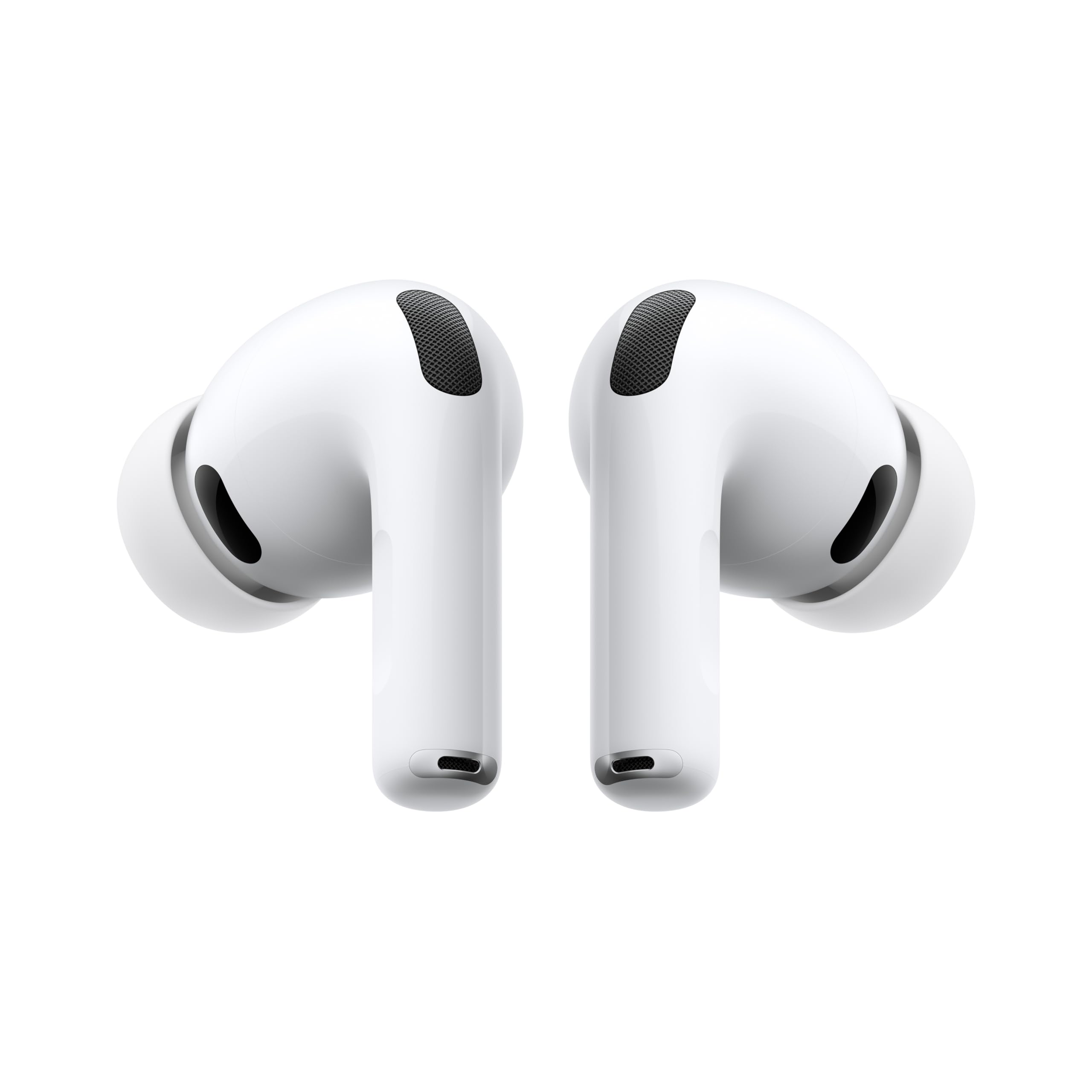
Why your AirPods keep chirping
Mariella Moon, writing for Engadget, notes that a chirp from your AirPods doesn't only mean the battery is running low. The most common reason they try to get your attention is low charge, and you can check by opening the case and looking at the paired phone. But the sounds can come from other causes too, and they range from small chirps to sharp screeches.
One case: the earbuds keep chirping even after you plug them in. Moon links that to power fluctuations, interruptions in the electricity reaching the device and other battery issues.
I prodotti di cui parliamo
Dalla nostra classifica: Wireless earbuds: battery life, weight and price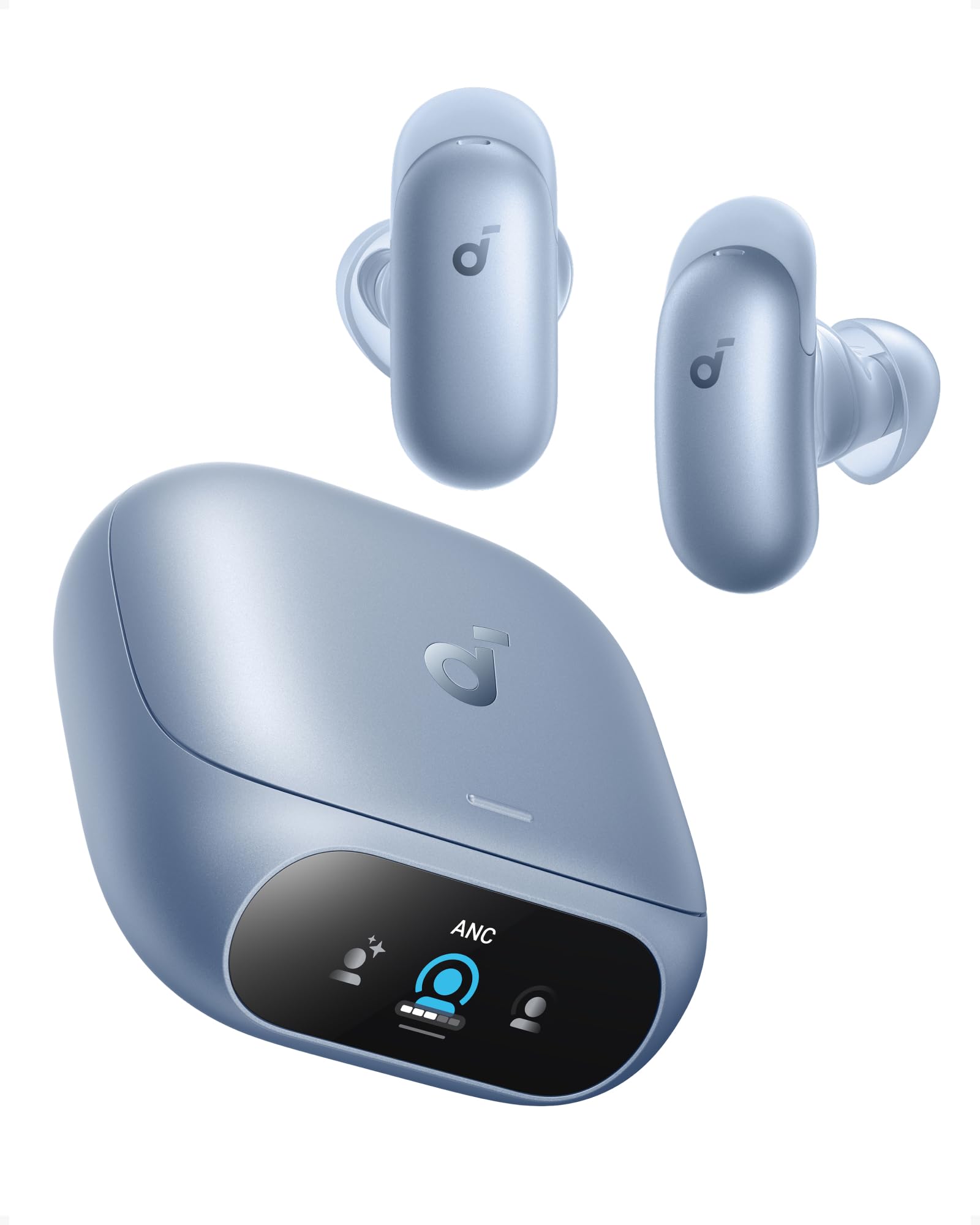

Link affiliati: possiamo ricevere una commissione sugli acquisti idonei, senza effetto sul prezzo e sull'ordine dei prodotti.
Bluetooth, rubbing and the hearing-aid chime
A second cause is a connectivity problem with the paired device. If you turn off Bluetooth on your iPhone, for example, you'll most likely hear the AirPods make some noise. They can also sound off if you take them out and accidentally rub them together, or for no clear reason at all.
There's also a deliberate chime. The AirPods Pro 2 and AirPods Pro 3 support a clinical-grade Hearing Aid feature. Apple says on its site that these models may play a quiet chime at intervals while sitting in the charging case, so the microphones and speakers stay at their best and can deliver high-quality hearing test results.
When the sound gets loud or piercing
Some noises are harsher. The AirPods make louder, more persistent sounds when the Find My feature is triggered, which makes them easier to locate if you've misplaced them.
A piercing feedback noise can point to water damage, or to the earbuds being clogged with dirt and grime. A poor fit can do it too: if the silicone tips of your AirPods Pro don't seal your ears well, they may emit high-pitched sounds. The AirPods Pro come with several in-ear silicone tips, and one of the sizes may fit you properly. If none create a seal, you may need third-party tips, or you can take the device to an Apple Store to have it checked.
How to turn off the charging case sounds
You can't always stop the high-pitched noises, for instance after water damage. But you can stop the chirping. Open the AirPods case, then go to Settings on the connected device, like your iPhone.
Tap the device's name, usually something like "[your name]'s AirPods," and open the Audio & Routing section. There you'll find an option called Enable Charging Case Sounds. Switch it off and you're done.
What to check first
Before you dig into settings, run through the simple checks Moon lists. Open the case and look at the paired phone to rule out a low battery. Confirm Bluetooth is on if you want the connection active.
If the sound is loud and repeated, think about Find My. If it's a sharp squeal, look at the tips and the condition of the earbuds. And if the chirp comes while the case is charging, the toggle for charging case sounds is the place to start.
Related coverage
Source: Engadget · Tech e gadget (US)
AirPods Pro 3 · Vedi su Amazon
Video

Cosa è cambiato
- Pagina aggiornata

La posta di Sir Compare
Novità su Audio e video? Te le scrivo io.
Scegli cosa ti interessa: ti scrivo solo quando esce qualcosa di nuovo — una guida, una notizia, un prezzo verificato che scende.
Passo 1 di 2
Cosa ti interessa?
Scegline quante vuoi. Se non scegli niente, ricevi le novità di tutte le sezioni.
- Solo quello che scegli
- Mai email vuote
- Esci con un clic