Notizia
Affinity for iPad: free design tools, Apple Pencil Pro support, $18 AI tier
Aggiornato
What landed on iPad
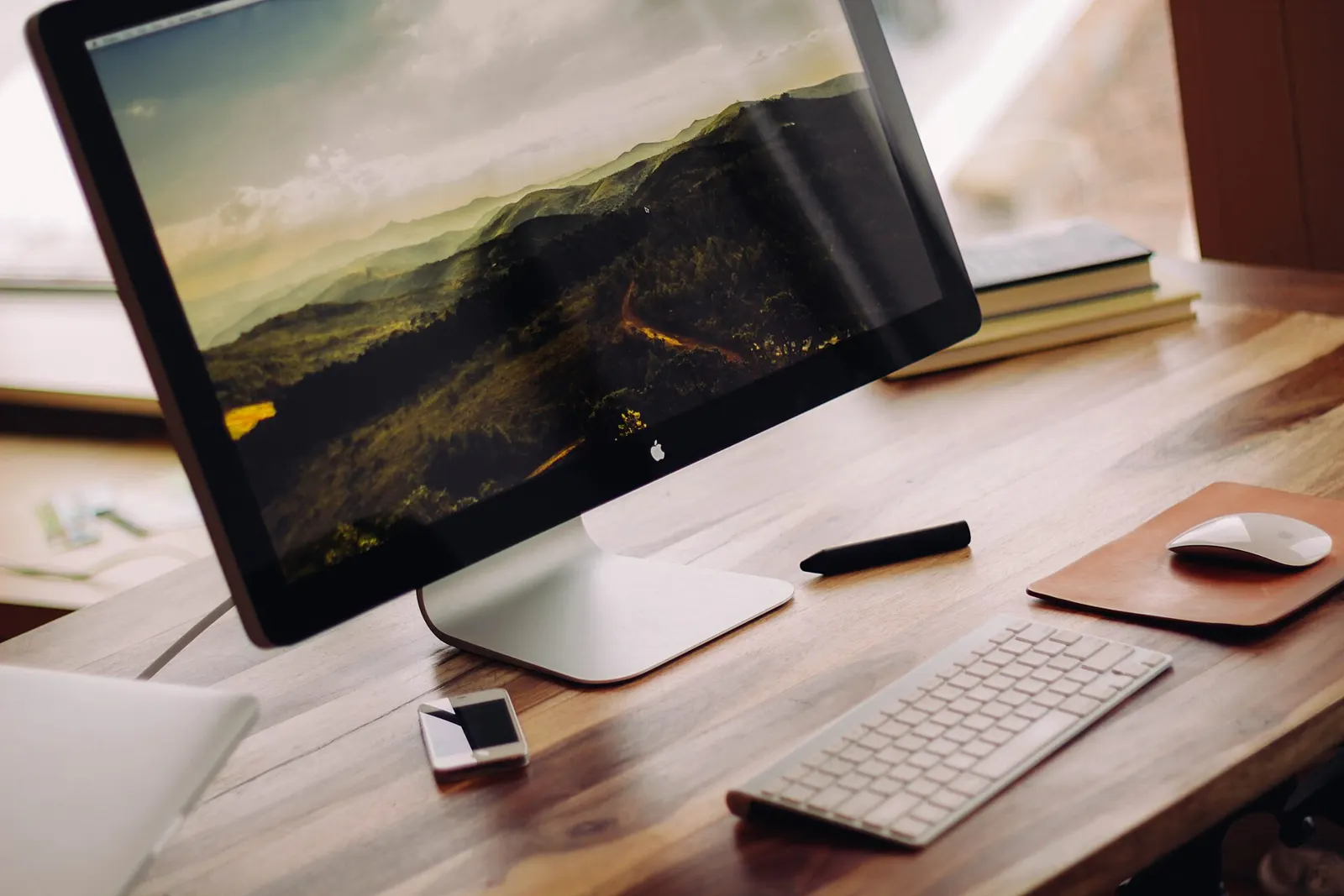
Canva has released Affinity for iPad, an app that brings vector graphics, photo editing, illustration and page layout tools to Apple's tablet. The company had already relaunched the Affinity suite as a single desktop app the year before. The iPad version is built for touchscreens and the Apple Pencil rather than ported as-is. The core tools are free for individuals, though you need a free Canva account to use them. That covers sketching, vector work, photo editing and layout. The app is aimed at people who want to design, illustrate and edit photos directly on the iPad.
Da confrontare prima di scegliere
Dalla nostra classifica: Best Graphic Design Tool for Social Media (2026) N.1 in classifica
Adobe Express
 N.2 in classifica
Canva Pro
Sketch Studio and pencil gestures
A new Sketch Studio handles freehand drawing and is built to simplify the path from sketch to vector. It includes tools for masking and for turning rough sketches into cleaner geometric shapes automatically. The app also supports Apple Pencil Pro features: natural gestures, pressure sensitivity, tilt, barrel roll, squeeze and hover. Those inputs give you more control over tools and shortcuts. Neil Ladkin, Affinity's head of product design, said every development decision came from people who create on iPad themselves, from how the pencil responds to where the tools sit.
One file for every project
Sketch, vector, photo and layout projects can all be saved to the same .af file. According to the source, this limits tasks that would otherwise need exporting, converting or remaking. The app is also compatible with all major design file types, so files from other tools aren't locked out.
AI tools cost extra
Canva has added its AI Studio to the iPad app. It includes Generative Expand for extending backgrounds, automatic motion blur and noise reduction, and image resolution scaling. These features are optional and sit behind a Canva Pro subscription, which starts at $18 per month. The free tier covers the core sketch, vector, photo and layout tools only. So if you want the AI extras, you pay monthly on top of the free account.
The subscription question
When Canva bought Serif, the developer behind Affinity, in 2024, some users worried the suite would shift from a one-time license to a subscription and take on Canva's generative AI. Canva and Serif said they wouldn't force users into a subscription, and so far that has held. The iPad app keeps the core tools free for individuals.
Related coverage
Source: The Verge · Apps
Video

Cosa è cambiato
- Pagina aggiornata

La posta di Sir Compare
Novità su Tecnologia e computer? Te le scrivo io.
Scegli cosa ti interessa: ti scrivo solo quando esce qualcosa di nuovo — una guida, una notizia, un prezzo verificato che scende.
Passo 1 di 2
Cosa ti interessa?
Scegline quante vuoi. Se non scegli niente, ricevi le novità di tutte le sezioni.
- Solo quello che scegli
- Mai email vuote
- Esci con un clic