News
OLED monitors for editing: what the RGB stripe changes
Aktualisiert
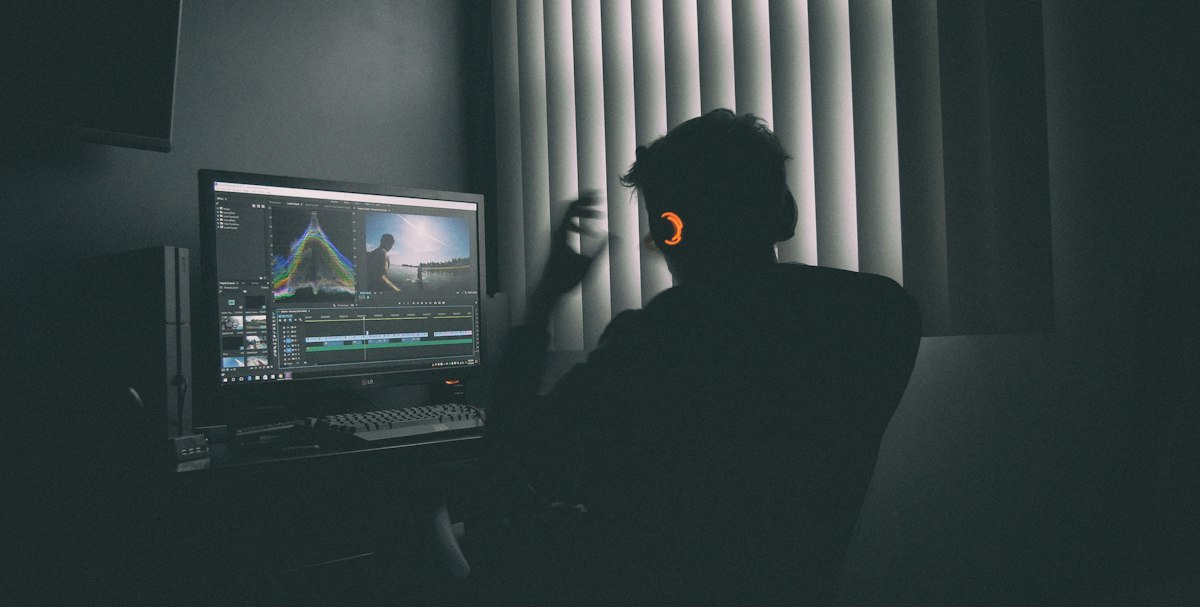
The upgrade that finally arrived
For two and a half years, one reviewer kept a 32-inch 4K dual-mode LG OLED as his main screen. He had said he would not swap it until a noticeable upgrade existed. That moment came with the ASUS PG32UCWM, still 32 inches, still 4K, still dual-mode, but with almost everything else changed.
The reason he sticks with this format is practical. At 32 inches and 4K with 100% Windows scaling, 3D and video editing apps get a lot of room. When he wants esports, he switches to the 480 Hz mode. He describes it as two screens in one.
Sharper text, no colour fringing
The gap between the old LG and this panel is about three years of OLED development. He had not used anything in between, so the jump stood out. The new RGB stripe sub-pixel layout is the headline change.
Text looks crisp and detailed, and he reports no colour fringing at all. That fringing has been a long-standing OLED drawback, and he says it is finally fixed. From normal viewing distance the old LG was fine. Side by side, though, the difference is the first thing you notice, especially with fine text at 100% Windows scaling.

Brightness, HDR and the glossy coating
Brightness holds up well. He runs the screen at around 65% most of the time, even during the day with a window open. HDR is a clear step up over the older panel, with highlights standing out more.
The coating is the true black glossy finish he first saw on the PG27AQWP. He reports no colour shifting and no problems from overhead lighting. Combined with the new pixels, he calls it the clearest OLED he has seen, and says 4K here looks closer to 5K.
Cropped modes for competitive play
Two simulation modes crop the image to 27 inches at 1632x918 and 24.5 inches at 1472x828. That sounds rough on paper, but he rates them as close to perfect for esports. Smaller screens are easier to track, he argues, whether you are in a Tracer duel or any fast shooter.
He has seen crop modes before, but the sharper pixels and coating make these look far better than he remembers. One honest limit: scaling from 4K to 1080p is still not true integer scaling, though it is closer than on the LG.
Who should actually buy it
This is not the ultimate esports screen, and he says so. If he only needed a competitive monitor, he would pick a 1080p 720 Hz 24.5-inch OLED instead. It lacks the RGB stripe but offers a higher refresh rate and resolution in that mode.
If you already own the LG and are happy, he would not push an upgrade. The step is smaller than the original move from IPS to OLED. He frames the case for switching around a specific problem: you work with lots of text, illustration or reading, and colour fringing bothers you.
What to check before you spend
No price, release date or UK availability appears in the material, so treat those as open questions. What you can weigh now is the trade-off: a single 32-inch 4K panel that covers editing and fast gaming, against a dedicated competitive screen.
If sharp text on a large canvas is your daily pain point, the RGB stripe layout is the feature the reviewer points to. He does not say what people who mostly game and rarely read fine text should do.
Related coverage
Zu diesem Thema gibt es noch keine weiteren veröffentlichten Inhalte.
Source: optimum's video
Was sich geändert hat
- Seite aktualisiert

Post von Sir Compare
Neues zu Monitore für Creator? Ich schreibe Ihnen.
Wählen Sie Ihre Themen: Ich schreibe nur, wenn etwas Neues erscheint — ein Ratgeber, eine Nachricht, ein geprüfter Preis, der sinkt.
Schritt 1 von 2
Was interessiert Sie?
Wählen Sie beliebig viele. Ohne Auswahl erhalten Sie das Neue aus allen Bereichen.
- Nur, was Sie wählen
- Nie eine leere E-Mail
- Abmelden mit einem Klick