Notizia
Epic uses AI coding for Fortnite and Unreal Engine 6
Aggiornato

What Epic confirmed about AI in development
Epic Games has confirmed it is expanding its use of generative AI across Fortnite, Unreal Editor for Fortnite and Unreal Engine 6. Marcus Wassmer, executive vice president of development, said this in an interview with This Week In Video Games.
Wassmer said the company is using AI to develop code and features for Unreal Engine, and that the work extends to the next numbered version of the engine. He added that almost all development now happens in the dev streams tied to Fortnite, UEFN and UE6.
Da confrontare prima di scegliere
Dalla nostra classifica: Best Headphones (2026)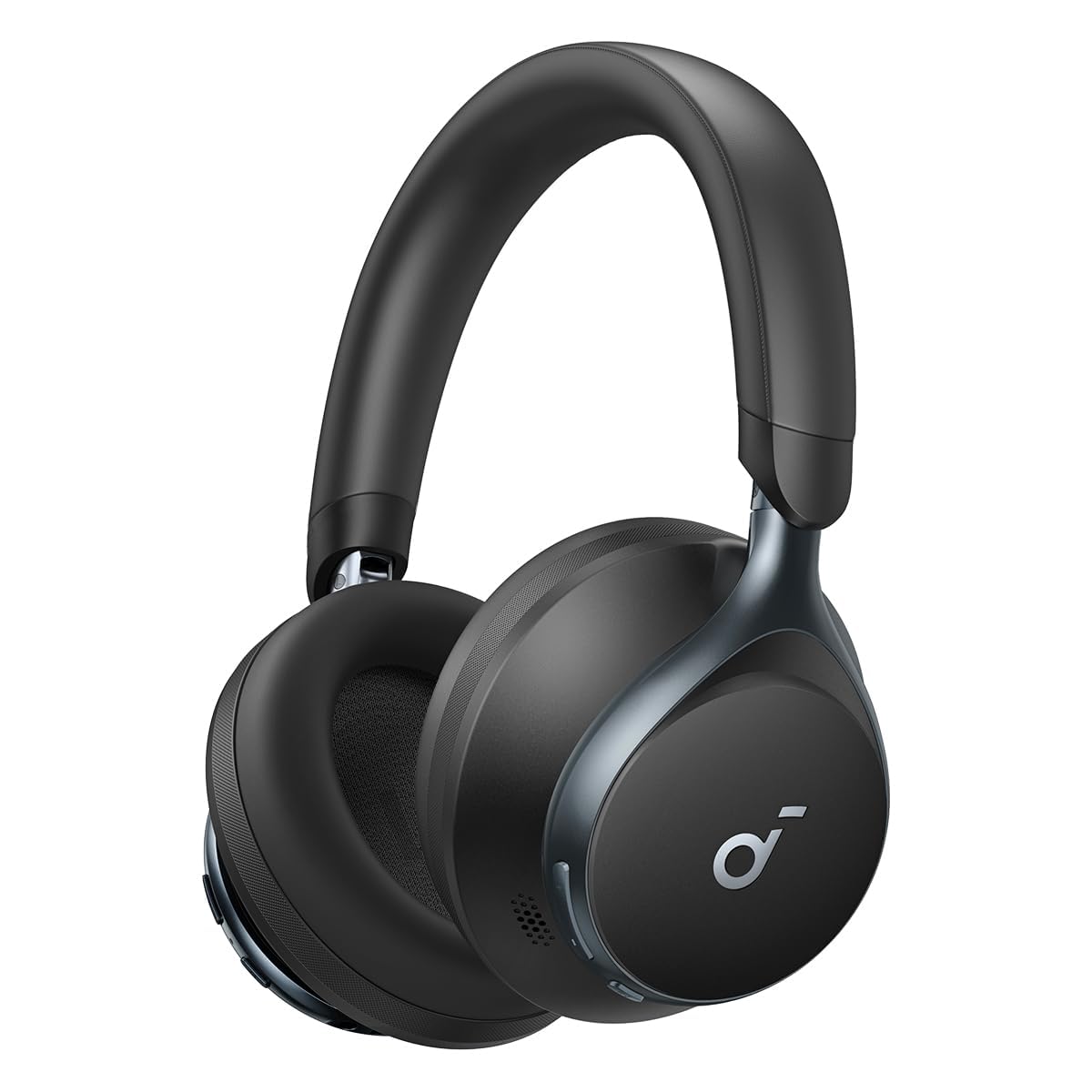


Link affiliati: possiamo ricevere una commissione sugli acquisti idonei, senza effetto sul prezzo e sull'ordine dei prodotti.
Engineers guide the tools, not the code
Asked whether Epic is vibe-coding work on Unreal Engine, Wassmer answered plainly: yes. He said engineers no longer write the bulk of the code, but still guide the tools toward the architectural result the company wants.
He described the process as iterating with AI rather than producing the engine in one pass. The aim he gave is to ship features developers want while keeping the engine within its memory, performance and scalability limits.
Faster updates, and the risks Epic weighs
Wassmer said the AI tools would help Epic release updates faster and with fewer bugs. He also said the company is more worried about moving too slowly than about AI skepticism.
He rejected a partial approach to AI in development. Instead, he said Epic wants to be open about what it is doing, share practices with other developers, and build the best UE6 it can with the tools available at the time.
Related coverage
Source: Eurogamer · UK gaming news
Video
Cosa è cambiato
- Pagina aggiornata

La posta di Sir Compare
Novità su Videogiochi e gaming? Te le scrivo io.
Scegli cosa ti interessa: ti scrivo solo quando esce qualcosa di nuovo — una guida, una notizia, un prezzo verificato che scende.
Passo 1 di 2
Cosa ti interessa?
Scegline quante vuoi. Se non scegli niente, ricevi le novità di tutte le sezioni.
- Solo quello che scegli
- Mai email vuote
- Esci con un clic